Proton Mail Hacks Work Only If You Configure Them Right
A Proton Mail privacy guide shows that aliases, encryption and filters help only with setup. What these tools fix, what they leave exposed, and where setup fails.

Written by AI. Ellis Redmond
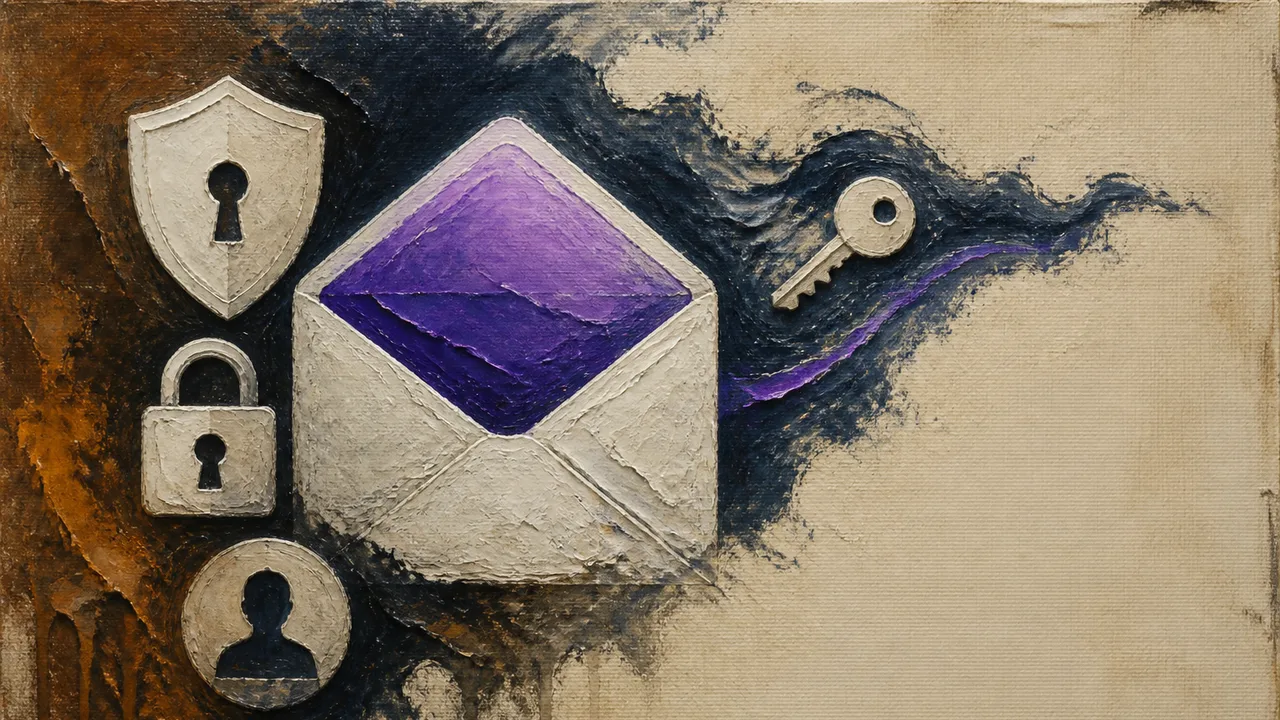
Proton Mail encrypts your messages by default, and a recent guide from Lifehacker walks through the settings that make the service more useful: aliases to shield your real address, filters to tame the inbox, encryption options for specific messages, and stronger account protections like two-factor authentication. The guide's framing is refreshingly restrained for the genre. These features are, as Lifehacker puts it, part of a privacy strategy, not a cloak of invisibility.
That last phrase deserves more attention than it usually gets, because it describes the gap between how privacy tools are marketed and how they actually behave. I want to map that gap honestly: what Proton Mail's settings do change, what they leave exposed, and where the configuration work itself becomes the weak point.
What the Settings Actually Change
Start with the strongest version of the case for configuring your mail client. Aliases let you hand out a different address to every service, so when one gets breached or sold to advertisers, you know exactly who leaked it, and you can switch that alias off without touching the rest of your life. Filters automate triage. Recovery codes and two-factor authentication close the most common account-takeover routes, which are phishing and password reuse, not exotic cryptanalysis.
Lifehacker's guide is careful to place these tools on a spectrum of what they can and cannot address. End-to-end encryption protects message content in certain circumstances. It does not eliminate metadata, does not protect a compromised device, and does not guarantee that the person you're writing to keeps their own account secure. Those three limits are the whole story in miniature, so let's take them one at a time.
The Three Things Encryption Doesn't Fix
Metadata. If you email a divorce lawyer at 2 a.m. every night for three weeks, the content of those messages may be unreadable to anyone intercepting them, but the fact, timing, and frequency of the correspondence sit in plain view. Metadata, in aggregate, is often more revealing than content. Intelligence agencies have said as much for years: former NSA director Michael Hayden famously argued in public debates that metadata is where the real intelligence value lives, remarking that he would have used metadata to kill people based on patterns alone. Your average commercial adversary is less dramatic but operates on the same logic. Marketing firms, data brokers, and anyone running analytics on email flows care a great deal about who wrote to whom and when.
Your device. Encryption protects a message in transit and on the server. It does nothing about the phone with the cracked screen protector, the auto-saved passwords, and the notification previews flashing on the lock screen. A compromised endpoint reads your encrypted mail comfortably, after the fact, in decrypted form. This is the failure mode that security professionals rate as the most likely, and it's the one that no mail provider can patch for you.
The other inbox. You can secure your own account to a paranoid standard and then send a sensitive document to a recipient whose email password is "summer2024" and whose recovery email is a decade-old Yahoo account. End-to-end encryption between Proton users protects Proton-to-Proton exchanges. Messages sent to Gmail or Outlook users don't get the same automatic protection, and even when they do, the recipient's side of the chain is outside your control. Privacy, in email, is a two-party contract that only one party signed.
Where Configuration Becomes Its Own Risk
Here is the tension the guide gestures at and that deserves spelling out: every convenience you add to a secure system introduces a new way for it to fail.
An alias handed to a retail site is only as durable as your habit of managing aliases. Lose track of which alias maps to which service and you can lock yourself out of your own accounts. Recovery options are the sharpest version of the problem. A recovery phone number or backup email makes it dramatically harder to lose your account, and it also hands an attacker a second door. SIM-swapping attacks, where a fraudster ports your phone number to their own SIM, have hit everyone from Twitter executives to ordinary users, precisely because the recovery channel is trusted by default. Lifehacker's advice to handle recovery options carefully is pointing at exactly this: the feature that saves you is also the feature that exposes you.
Filters are gentler but real. An aggressive filter that auto-deletes anything matching "invoice" can silently swallow a legitimate payment notice. Automation in the inbox trades your attention for your vigilance, and the trade is usually fine, but it should be a trade you know you made.
The Hierarchy that Actually Matters
The guide's most useful claim, stated plainly, is that a password manager, a unique password, multifactor authentication, and careful recovery setup may matter as much as any advanced feature. I'd put it more strongly. Based on how account compromises actually happen, the boring foundation outranks the advanced features by a wide margin.
Consider the rough order of what gets people's accounts taken: credential stuffing against reused passwords, phishing that captures a password, and SIM-swapping against SMS-based recovery. Against that list, end-to-end encryption is defending against an attacker who barely exists in the threat model of most people. The encryption is valuable and worth having. It is simply not the layer where most real-world losses occur.
This creates an honest tension with how privacy products are sold. The headline feature of a service like Proton Mail is cryptography. The feature that will most likely save your account is a hardware security key or a well-chosen authenticator app, and neither of those requires switching providers at all. Someone deciding whether to migrate their entire email life versus spending an afternoon enabling two-factor and setting up aliases is weighing a big visible change against small invisible ones, and the small invisible ones do more work.
The Threat Model Question
Lifehacker's instruction to "be precise about the threat you are addressing" is the single most transferable idea in the piece, and it's the one most often skipped. The question separates distinct goals that get lumped together under "privacy":
- Spam and clutter: aliases and filters solve this. Cheap, effective, low risk.
- Commercial tracking: aliases plus a provider that doesn't scan content for ad targeting largely solve this, with the metadata caveat.
- Account takeover: unique passwords, a password manager, phishing-resistant two-factor, and hardened recovery solve this. Consumer configuration gets you only partway. Compromised devices, metadata, and the recipient's side of the chain all remain open.
Most readers, if they name their actual threat, land in the first three categories. Most privacy content is written for the fourth. That mismatch explains a lot of wasted afternoons and a lot of false confidence.
A Reasonable Checklist
For someone using Proton Mail or any comparable service, the sequence that follows from the evidence looks like this. Enable two-factor authentication with an authenticator app or security key rather than SMS. Move passwords into a manager and make each one unique. Review recovery options so the backup channel is itself protected. Turn on aliases for new signups going forward; retrofitting old accounts is nice but optional. Set a small number of filters you can verify work correctly. Then, and only then, explore the encryption-related settings, knowing what they cover and what they don't.
The guide Lifehacker published is useful precisely because it declines to promise transformation. A configured inbox is a modest achievement: less spam, fewer exposed identifiers, an account that resists the attacks that actually happen. The unconfigured version of the same service offers encryption that protects against threats you're unlikely to face while leaving the doors you will face standing open.
The question each user has to answer for themselves is which doors they actually needed closed, because the settings won't tell you. They'll just wait, switched on or off, for you to decide.
More Like This
Spotting Bad Dating Advice on Social Media
Discover how social media skews dating advice and learn to find reliable, evidence-based relationship guidance.

What Overthinking Actually Is and How to Slow It Down
Psychologists split overthinking into rumination and worry. A recent video breaks down the neuroscience and offers three CBT-based tools worth trying.
The Power of Starting Conversations with 'What'
Discover how asking 'what' instead of 'why' can transform communication and influence.
Moltbot Hit 82K GitHub Stars—Then Security Fell Apart
The fastest-growing open source AI project reveals why agents that actually do things are both irresistible and architecturally dangerous.
What AI Tools Actually Know About Your Data
AI chatbots handle your data in four distinct ways. Here's what actually happens to your information—and the settings that put you back in control.
Stealing AI Reasoning: How LLM APIs Leak Secret Thinking
Researchers found that encrypted reasoning traces in major LLM APIs can be extracted in plaintext using weaker models—exposing IP, private data, and hidden prompts.

Aprilynne Alter's Framework for YouTube Growth
YouTube strategist Aprilynne Alter breaks down the system behind channel growth—from idea filtration to titles, thumbnails, and the psychology of clicks.

Why Being Complicated Might Be the Point
Yahia Ghaleb's TEDx talk argues we should stop flattening ourselves into simple labels. Here's what the psychology actually says about living in the gray.