Xbox Disc-to-Digital Changes How Players Plan Game Nights
Xbox disc-to-digital lets eligible discs unlock play without a disc in the drive, but lending a copy may interrupt your next session. Know the trade-offs.

Written by AI. Jordan Mercer
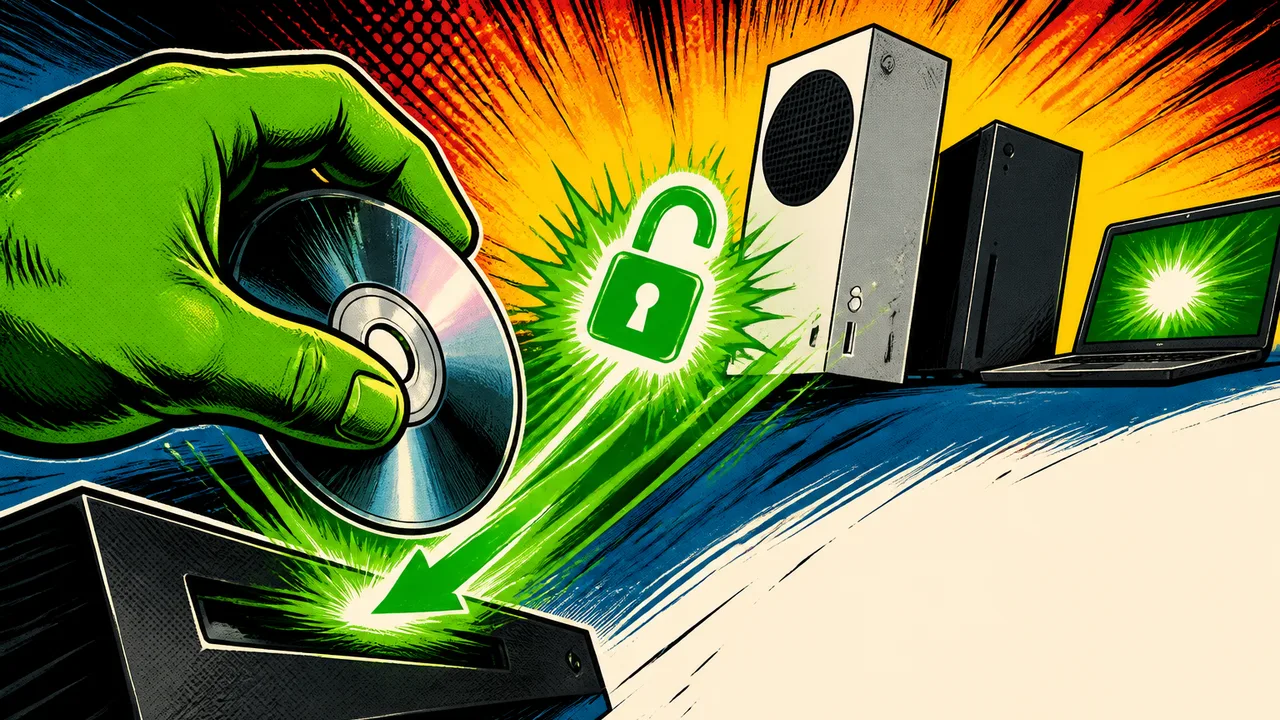
Xbox’s disc-to-digital feature is rolling out to all players after an Insider test, giving eligible Xbox One and Series X discs a new job: unlocking a digital license. Claim a game and you can launch it without leaving the disc in the drive. For a player with several games in rotation, the immediate benefit is simple: the next session doesn’t have to start by finding the right case.
But a game night can still depend on where that case went. If you lend the disc and the borrower uses it to claim the game, your disc-to-digital license moves to their account and your claim is revoked. That’s the rule to remember before you promise your group you’ll be on for matches while your copy is at someone else’s house. Lending alone isn’t described as the trigger; the other player has to claim the game with the disc.
Set Up the Rotation, Then Mind the Handoff
The public rollout follows testing with Xbox Insiders that began in late August. Xbox has emailed players that the feature is rolling out to all users and will be available when they next perform a system update. To make a claim, sign in on a console with a disc drive, insert an eligible game and wait for confirmation that the license has been created. A badge identifies claimed games in your library. If you’re working through a stack of cases, that badge helps separate the games you’ve registered from the next ones to try.
Say your usual evening starts with matches in one game, then shifts to a single-player game when the group logs off. If both titles are installed and eligible, you can move between them without swapping discs. That won’t change your matchmaking or your play. It does remove a small bit of setup from a routine where everyone is waiting for the next person to launch.
Now give the multiplayer disc to a friend who wants to try it. If they claim it, your installed game and its library badge are poor assurances for tomorrow’s session: the license you were using has transferred to their account. The feature saves a trip to the shelf while your claim holds; it doesn’t make a shared copy available to two players for separate disc-free sessions at once. The disc itself continues to work normally, so keeping it handy remains an option when planning what to play.
That is an inference from the license-transfer rule, rather than a claim about how often friends lend games or how long any particular session will be interrupted. The practical check is closer to checking whose controller is charged than admiring a row of installed tiles: if the disc has gone to another player, find out whether they claimed it before you build the night around your earlier claim. A player who rarely lends games gets most of the convenience without having to think about that handoff. Someone who shares a small physical library may need to coordinate.
There’s a useful comparison with buying through the Xbox Store. Both routes can put a game in your library for disc-free launches, as the rollout description explains. A conventional account-based digital purchase gives its buyer no physical copy to pass to a friend; a disc-to-digital claim has a physical copy that can take access to the next player. For a seller, that makes the disc more useful to the buyer. For a group trying to keep the same game in two separate rotations, it makes the location of one copy part of the scheduling. This comparison concerns that handoff, not every term attached to every digital-store purchase.
The hardware has its own handoff problem. A claimed title can be played on another Xbox, including a drive-free Series S, after you’ve made the claim using a console that reads the disc. A Series S can’t perform that first step. If it’s your only Xbox, a newly acquired disc cannot be registered on that machine, even though a claim made with another console can later give you disc-free play there. Before you plan a Series S session around a physical purchase, you need a way to register the copy.
Some games offer more places to launch. A claimed title with Xbox Play Anywhere support can also be installed and played on PC through the Xbox app. Eligible titles with Xbox Cloud Gaming support can offer streaming access too. Those are useful options if your group moves between devices, but they depend on each game’s existing support for those programs. Putting a disc in a console doesn’t grant every game a PC version or a cloud option.
Check the Title Before You Book the Session
Xbox says the program works with “most” physical Xbox One and Series X games. Eligibility can change for technical, licensing, publishing, manufacturing and other reasons. Original Xbox and Xbox 360 discs currently have no support under this feature, according to Engadget’s description of the supported generations. That limit concerns disc-to-digital claims; it doesn’t say whether an older game can run through another Xbox feature.
The Insider period already showed how a planned rotation could change. Ubisoft titles were initially unsupported and were added 10 days later. Xbox said another batch joined at the public rollout without identifying those games at the time. If a disc fails to produce a claim today, an addition later is possible, but the Ubisoft change supplies no timetable for the game you want to play tonight. Check the actual title before assuming that “most” includes the one your group picked.
Physical copies also give some delisted games a route into this system. Discs for Deadpool and Minecraft: Story Mode can be used to claim digital versions, Video Games Chronicle reported while detailing the changing eligibility. That can help an owner launch a game removed from digital sale without making it available for everyone to buy again. It’s no blanket promise for delisted titles or every edition of a disc.
If you’re registering a stack, Xbox has added an option to stop discs from automatically starting installation when inserted. You can move through eligible copies without launching each installation. Look for the confirmation or the library badge; if neither appears, the game may already have a claim or the disc may be ineligible. It’s a sensible bit of pre-game admin: sort out what works, and who has the copy, before the group is waiting in the lobby.
More Like This

Xbox Disc-to-Digital Program Converts Physical Games
Xbox's new disc-to-digital program lets players convert physical game discs into digital licenses. Here's what it actually means for your library—and the industry.

Risky Damage Is What Makes Games Feel Like Games
Design Doc's latest video maps how risky damage mechanics—glass cannons, opportunity costs, emotional stakes—shape the way games actually feel to play.
GTA VI Pricing, Bungie's Fall, and Xbox Price Hikes
GTA VI's $100 tiered pricing, 292 Bungie layoffs, and Xbox's third price hike in 15 months — a week that clarified who gaming is actually for.