What OpenAI Codex Actually Does to Your Computer
OpenAI Codex can organize files, build dashboards, and run automations on your desktop. Here's what the tool actually does—and what to think before trusting it.

Written by AI. Bob Reynolds
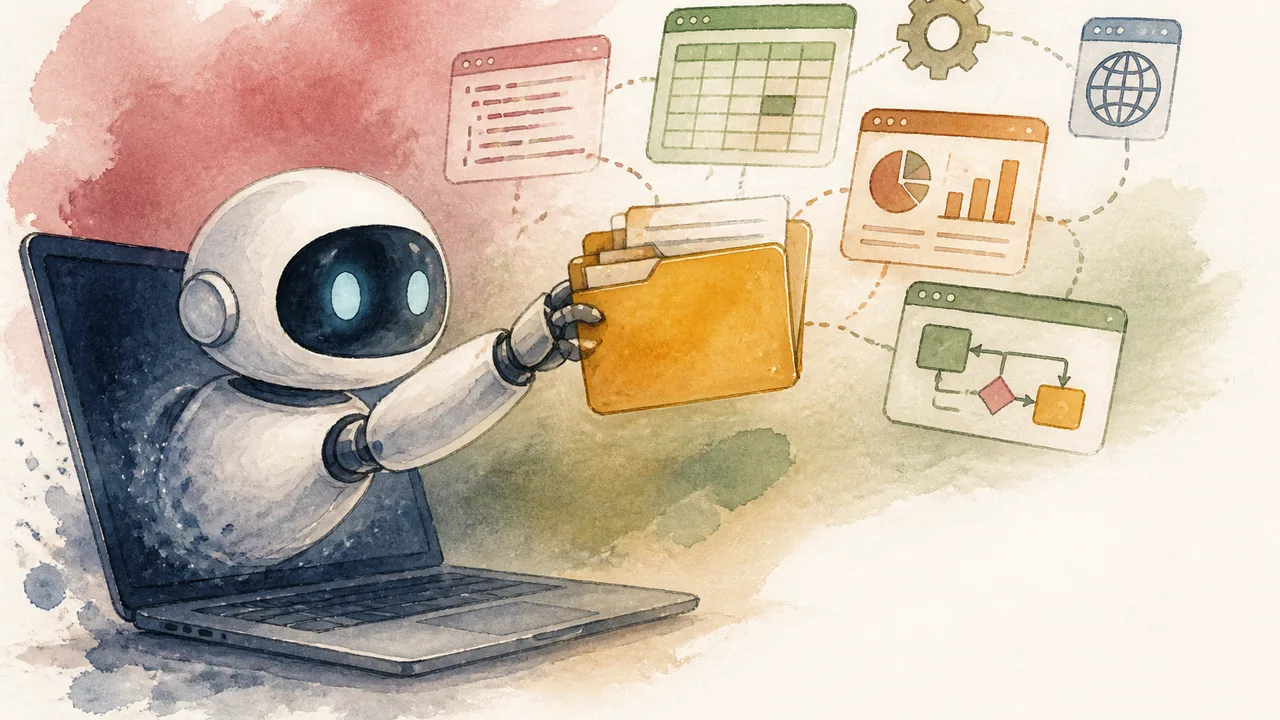
Photo: AI. Júlia Almeida
There's a version of the AI story that goes like this: the chatbot era is already over. What comes next doesn't answer questions — it does things. Moves files. Builds dashboards. Fills out forms in your browser while you get coffee. OpenAI's Codex is the clearest example of this shift available to ordinary users right now, and a recent Futurepedia walkthrough makes a credible case for taking it seriously.
The word "agent" gets thrown around so loosely in AI circles that it's almost lost meaning. What Codex actually does is more legible than that term suggests: you point it at a folder on your computer, describe what you want in plain English, and it acts on your actual files. Not a sandbox. Not a cloud environment you'll never see again. Your folder, your spreadsheets, your PDFs. That's the part worth sitting with before you get too excited about the demos.
The Demo Is Genuinely Impressive
The walkthrough follows a convincing arc. The presenter starts with a messy folder representing a fictional cafe's business records — sales logs, invoices, inventory counts, scattered across multiple file types. One prompt later, Codex has sorted everything into labeled subfolders, created a consolidated spreadsheet with multiple tabs, extracted invoice data from PDFs, and flagged inconsistencies with priority labels. That last part is what catches my attention. Nobody asked it to audit for errors. It found them anyway.
From there, the presenter escalates. A second prompt produces a visual business dashboard — color-coded, interactive, with charts tracking sales, inventory issues, and action items. "It did perfectly on the first try," he notes, "but for any changes, you can iterate with simple follow-up prompts." A follow-up asking for hover states on the sales charts took a few minutes. The result looked genuinely useful.
Then comes the part that's harder to dismiss as a neat trick: automations. The presenter sets up a daily 6 a.m. task — check the folder for new files, organize them, update the spreadsheet and dashboard automatically. He tests it by dropping in new sales logs, clicks "run now," and watches the files move in real time. Then he sets up a second automation: every Friday morning, analyze the sales and inventory data, devise a weekend special, generate a promotional image in the cafe's visual style, and write an Instagram caption. The whole workflow runs without him touching it.
"I can wake up to an updated dashboard with everything I need to know about my business," he says, "all organized and calculated automatically."
That's not hype filler. That's a description of something that would take a small business owner or an operations manager several hours a week to do manually.
Skills: Teaching It to Remember How You Work
One of the more practically interesting features demonstrated is what Codex calls "skills" — essentially saved workflows. The presenter describes them as "recipe cards for workflows." You work with Codex to produce a result you like — say, a branded menu design with a specific visual style — and then tell it to package that process into a reusable skill. Next time, in a completely new session, you tag that skill and it reproduces the output in the same style without you uploading reference materials or re-explaining the process.
The demo shows this working as advertised. New menu items, updated prices, same visual result. If you've ever watched an AI tool forget everything about your preferences the moment you start a fresh conversation, you'll understand why this matters. The broader Codex evolution has been pushing precisely in this direction — making the tool less amnesiac, more like a capable colleague who actually retains context.
There's also a project memory feature: you can create a plain text file that lives in your project folder and tells Codex everything it needs to know about that project — its purpose, folder structure, working guidelines. Any new session in that project reads this file first. It's a simple idea, and simple ideas that work reliably are underrated.
The Part Where I'd Slow Down
Here's where I'd normally tell you that everything is fine and you should download this immediately. Instead, let me tell you what the demo doesn't dwell on.
Codex has three permission levels: ask for approval before every action, ask only for potentially unsafe actions, or full unrestricted access to your computer and the internet. The presenter recommends the middle setting. "It really doesn't pop up with approvals very often on the middle setting," he says. That's probably true. It's also the entire question.
An AI that "doesn't pop up with approvals very often" is one that's making decisions about your files without checking with you. Most of the time that's fine. The times it isn't fine are the times you'll remember. Anyone considering the daily 6 a.m. automation — Codex reorganizing your business files while you sleep — should think carefully about what "detected as potentially unsafe" actually means in practice, and who defined it. The security posture of tools like this is worth understanding before you hand over the keys.
The browser and computer control features deserve equal scrutiny. Codex can open your Chrome browser — the one where you're logged into everything — and operate it like a person would. Click dropdowns, fill in forms, navigate between tabs. The presenter acknowledges the technology is early: "Computer use is at the cutting edge of AI right now. So it definitely won't be able to do everything." That's honest. It's also a reminder that "cutting edge" and "trustworthy for sensitive tasks" are not the same thing.
Who This Is Actually For
Codex is available to any ChatGPT user. The free plan will get you started, though you'll hit usage limits quickly. According to IntuitionLabs' breakdown of ChatGPT plans, OpenAI's standard paid tier is $20 per month (Plus) — enough for regular use without hitting walls constantly.
The people most likely to get immediate, tangible value from this are small business owners or managers who currently spend real time on repetitive data tasks: consolidating reports, preparing weekly summaries, managing file organization across a team. The demo's cafe scenario isn't accidental — it maps cleanly onto the kind of operational grind that doesn't require a technical background to suffer through.
The mobile-to-desktop feature is a good example of where this gets genuinely useful rather than merely impressive. You're out of the office. A thought occurs to you: the weekly report needs updating before the Monday meeting, and new sales data just came in. You pull out your phone, open the ChatGPT app, and prompt Codex to run the update on your desktop back at the office. Your computer does the work. You check the result on your phone, approve any questions Codex surfaces, and move on. No VPN, no remote desktop, no waiting until you're back at a keyboard. The one non-negotiable: your computer has to be left on.
That's a real workflow improvement for a lot of people who would never describe themselves as interested in AI tools.
What To Make of the Whole Thing
The honest read on Codex is that the demos are compelling and the underlying capability is real, which makes it worth taking seriously rather than either dismissing as another AI novelty or embracing without reservation. The shift it represents in how people interact with software — from giving instructions to delegating execution — is genuinely significant.
But there's a habit in AI coverage of treating "it worked in a demo" as equivalent to "it will work for you, reliably, in your actual environment, with your actual data." Those are different claims. The presenter is clearly skilled at working with these tools, and his cafe scenario was designed to showcase strengths. Your folder of client contracts and half-finished projects will be messier, more ambiguous, and more consequential if something goes wrong.
Start with something low-stakes. Watch what it does. Read the decisions it makes before you decide how much autonomy to extend. A tool that runs unsupervised on your business files every morning deserves more than one successful demo before you trust it with your Fridays.
More Like This

Claude Cowork Explained: What It Does and What It Costs
Claude Cowork promises to automate your work while you sleep. Here's what the desktop app actually does, how it differs from Claude chat, and what to consider before buying in.

AgentZero's Sub-Agents: Self-Modifying AI Delegation
AgentZero demonstrates AI agents that create and manage specialized subordinates on demand. The system modifies itself—which raises practical questions.
Anthropic's Advisor Strategy: When Cheaper AI Models Work Better
Anthropic's new advisor strategy pairs expensive Opus with budget models, cutting costs by 12% while maintaining quality. But testing reveals surprises.

Kling 3.0 Video AI: Testing the Multi-Shot Feature
Futurepedia tests Kling 3.0's multi-shot video generation against nine competitors. The verdict: impressive dialogue, problematic music, mixed results.

OpenAI's Codex Is Growing Up Fast—And Getting Weird
OpenAI's latest Codex updates add browser control, AI-reviewed approvals, and... animated pets? A look at where AI coding tools are actually heading.
ChatGPT's Codex App Promises Automation Without the Hack Risk
OpenAI's new Codex app offers secure AI automation for tasks like SEO indexing and code deployment—positioning itself as a safer alternative to tools like Cursor.

AI as a Life OS: Promise and Privacy Stakes
Daniel Miessler argues AI tools should manage your entire life, not just your code. The idea is compelling — and the privacy questions are serious.

Structured Data Is AI's Overlooked Engine
Jeremy Fraenkel of Fundamental argues enterprises are missing AI's biggest opportunity: the structured, tabular data already sitting in their systems.