Samsung Gallery's Google Photos Switch Comes With Limits
Samsung Gallery is replacing OneDrive sync with Google Photos. See the September cutoff, storage costs, feature limits, and your safer migration choices.

Written by AI. Tyler Nakamura
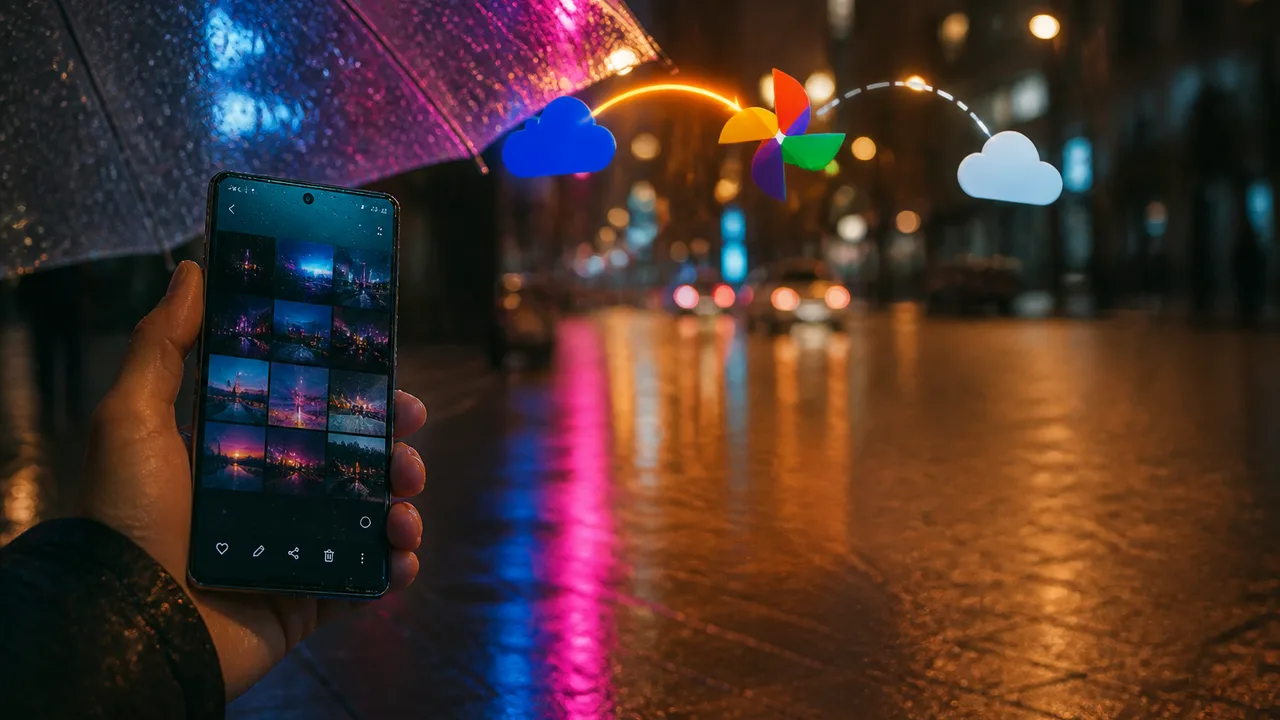
Samsung Gallery is gaining Google Photos backup as its built-in OneDrive integration approaches a September 30, 2026 shutdown.
For Galaxy owners who already live in Google’s ecosystem, the switch could remove a small but persistent annoyance: Samsung’s photo app and Android’s dominant photo service will finally talk directly. For anyone with years of images in OneDrive, a Microsoft 365 setup or an older Galaxy phone, this cheerful little sync toggle comes with homework.
The short version: Samsung Gallery can send selected folders to Google Photos while remaining your everyday photo app. The connection does not turn Gallery into a complete Google Photos client, and the OneDrive app remains a viable alternative. Your best choice depends on where your archive lives, how much Google storage you have and whether you use Google Photos’ smarter library features.
The Rollout Has Started, but Your Phone May Still Be Waiting
The integration has appeared in Samsung Gallery version 15.9.01.7, following a sighting shared by tipster Ice Universe. The setting lives under Menu > Settings > Sync photos and videos.
Availability remains patchy as of September 18. Android Authority reported that its Galaxy phones did not yet show the setting, even though the tipster’s device had received it. Android Police likewise had not found the feature on its Samsung devices. Those disclosures matter because the initial rollout reports trace back to the same sighting rather than several independently observed launches.
If the option is missing, repeatedly poking the update button like it owes you money probably won’t help. A staged rollout, device compatibility and account eligibility can all stand between you and the toggle.
The reported requirements include a compatible Samsung device running Android 13 or later, plus signed-in Samsung and personal Google accounts. The service behind the connection is called Gallery Cloud Sync. It backs up photos and videos at original quality, and users can choose albums and control syncing over mobile data or while roaming.
That folder control is useful. Camera, Screenshots and Downloads do not deserve equal access to your cloud allowance. Nobody needs 4,000 accidental screenshots preserved like national treasures. Android Central says users can even disable Camera uploads while syncing other folders.
Two Apps Are Sharing a Cloud, Not Becoming One App
The integration stops well short of a full merger. Photos uploaded through Samsung Gallery will reach Google’s cloud, but Gallery will not display your entire pre-existing Google Photos library. Images previously backed up directly through Google Photos may remain absent from Samsung’s app.
Google Photos features also have boundaries here. How-To Geek reports that synced items will not participate in features including Highlights, Live Albums, Memories or search. MakeUseOf also identifies gaps around collaborative albums, shared libraries and partner sharing. Anyone who relies on those tools will still need the Google Photos app.
The result is a split experience. Samsung continues to own the local interface, editing flow and album view, while Google handles cloud storage. That arrangement preserves choice on the surface, but it also makes the boundary between the two apps harder to see. An image can appear in Samsung Gallery while some Google Photos features ignore it. A library can exist in Google Photos while Samsung Gallery cannot browse it.
Deletion is where that ambiguity grows teeth. Android Police says deleting a synced image from either app also removes it from the other app and the cloud. MakeUseOf additionally warns that moving a synced image into Samsung Gallery’s Private Album permanently deletes its Google Photos cloud copy without placing it in the recovery bin.
That Private Album behavior is reported by one publication, and rollout behavior could change with app updates. Until Samsung and Google make every edge case obvious inside the interface, test the workflow with a disposable image before reorganizing an important album. Cloud sync is fantastic right up until “organize” and “delete everywhere” wear the same fake mustache.
A Decade-Long Microsoft Relationship is Losing a Daily Touchpoint
Samsung’s Microsoft partnership stretches back more than a decade and has included preloaded Microsoft apps, Windows integration and direct Gallery backup to OneDrive. Android Central describes that built-in OneDrive connection as part of the Galaxy experience for years. On September 30, Samsung Gallery will stop providing that direct sync.
The history explains why this change can feel bigger than swapping one cloud logo for another. OneDrive connected Galaxy phones to Microsoft’s PC ecosystem. Google Photos connects Gallery to an account that most Android users already need for core phone services. Samsung is moving this daily background task closer to Android’s home turf.
A similar shift occurred when Samsung discontinued its own Messages app in favor of Google’s Android messaging software, as How-To Geek notes. Together, the changes suggest Samsung is narrowing where it duplicates Google’s services while retaining its own interface in selected categories.
That conclusion has limits. Two software changes do not establish a company-wide retreat from Samsung apps, and none of the available reporting provides Samsung’s internal strategy or commercial reasoning. Gallery itself remains in place. A more cautious reading is that Samsung is outsourcing the cloud layer where Google already has broad Android reach.
OnePlus and Xiaomi provide a useful comparison because their gallery apps already offer direct Google Photos syncing. Samsung is joining an existing Android pattern rather than inventing a new one. The comparison ends at implementation, however. Samsung is also unwinding a long Microsoft relationship, so Galaxy owners may face an archive migration that users of those other brands never had to consider.
Google Photos Could Add Another Subscription to the Pile
Google provides 15GB of free storage shared across Photos, Drive and Gmail. That shared pool can feel roomy until 4K video, years of attachments and a Drive folder full of mystery PDFs all arrive at the same buffet.
MakeUseOf lists September 2026 US Google One pricing at $1.99 per month for 100GB, $2.99 for 200GB and $9.99 for 2TB. Pricing varies by country and can change, so check the offer shown on your account before subscribing.
The new integration therefore carries a potential cost for people whose Google accounts are already near capacity. A user paying for Microsoft storage may also prefer to avoid moving the photo bill to Google. Convenience has a sneaky habit of becoming a second subscription when nobody checks the storage meter.
You are not required to follow Samsung to Google. The Gallery integration with OneDrive is ending, but direct camera backup through Microsoft’s app remains available. Open OneDrive, enter your account profile and enable Camera backup. How-To Geek reports that existing OneDrive uploads will remain unaffected after Samsung’s built-in connection shuts down.
That distinction should prevent deadline panic. September 30 ends the Gallery-to-OneDrive link; it does not automatically erase the files already stored in OneDrive. If you want the old archive inside Google Photos, the documented route is manual: download it from OneDrive to a device or computer, then upload it through Google Photos. Verify the transferred files before deleting or reorganizing anything.
Pick the Cloud that Matches Your Actual Setup
The sensible paths divide into three groups:
- Already using Google Photos: Enable Gallery sync when it appears, choose folders carefully and watch your shared Google storage. Keep the Google Photos app for search, Memories and sharing features.
- Happy with OneDrive or Microsoft 365: Turn on Camera backup inside OneDrive. You lose Samsung Gallery’s built-in cloud controls, but you can keep your current archive and storage workflow.
- Moving a large OneDrive library to Google: Download and upload the archive manually, confirm dates and file counts where possible, and keep the OneDrive copies until the Google Photos library is verified.
Owners of devices below Android 13 may not qualify for the new Gallery connection. They can continue using the standalone Google Photos or OneDrive apps if those apps support their devices, although the inspected rollout details do not establish compatibility for every older Galaxy model.
Samsung’s switch makes Google Photos easier to use from Gallery, but ease and simplicity separate at the deletion button. Before enabling sync, decide where the master copy of your photo library should live. The cloud logo matters far less than knowing what happens when you tap Delete.
More Like This
Samsung Brings Gemini AI to Older Smart Fridges via Tizen 10.0
Samsung's Tizen 10.0 update adds Gemini AI to older smart refrigerators. What the rollout covers, what it omits, and the open policy questions.

Google Now Lets You Log In With a Selfie Video
Google's new selfie video login is a convenience play with real privacy stakes. Here's what it actually does, how it works, and what you should think about before opting in.
Google Merges NotebookLM Into Gemini: What Actually Changes
Google integrates NotebookLM into Gemini app. We examine what this consolidation means for users and whether it solves real problems or just moves them.

Lightspeed’s India AI Fund Signals a Strategic Shift
Lightspeed's reported $250 million India AI fund points to a strategic shift, while compute costs, local demand and fund details remain open questions.
Samsung S26 Ultra Cinematic Video: Settings and Workflow
A deep dive into shooting cinematic video on the Samsung S26 Ultra—covering APV codec standards, DaVinci Resolve access, and a corruption bug worth tracking.

UNAM's AI Exam Proctoring Failure Forces 58,000 Retakes
Nearly 160,000 students took UNAM's AI-proctored entrance exam remotely. Now 58,000 must retake it in person. Here's what actually went wrong.

Major Labels Want AI Music Off the Charts
Universal, Sony, and Warner are pushing to ban AI-generated songs from global charts. Here's what their proposal actually says — and who it really helps.