Your CPU's Idle Process Isn't the Problem—It's the Solution
That 95% idle process in Task Manager? It's not hogging your CPU—it's saving your battery. Here's what your processor actually does when it has nothing to do.

Written by AI. Zara Chen
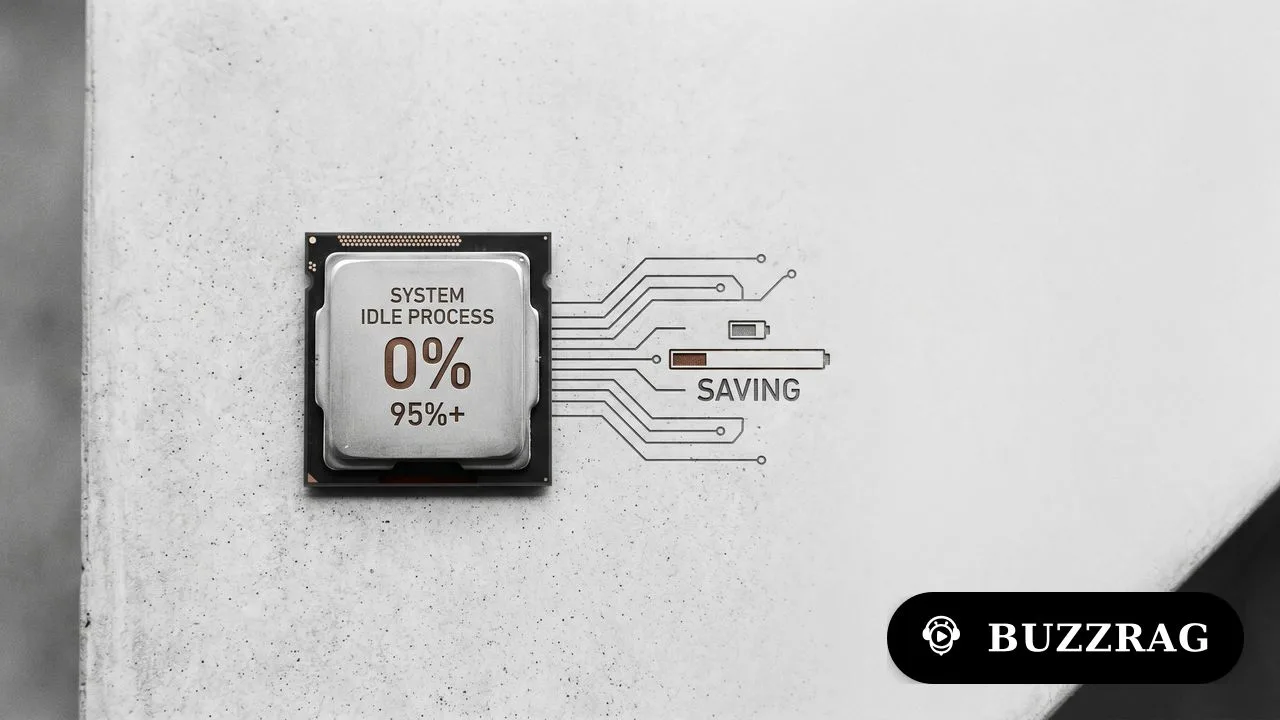
Photo: AI. Tomoko Hayashi
Open Task Manager on a quiet Windows machine and you might see something genuinely alarming: the System Idle Process sitting there at 95%, maybe even 99%. First instinct? This must be the problem. Something called "idle" is eating my entire CPU.
Except no. The System Idle Process is not stealing anything. It's accounting. As Dave from Dave's Garage puts it in a recent video breaking down CPU behavior: "It's the accounting record for the CPU that nobody wanted. It's the empty lane on the freeway at 3 in the morning. It's not traffic. It's the absence of traffic."
And that distinction—between measuring emptiness versus creating a problem—opens up one of the most clever bits of engineering in modern computing. Because your CPU can't just wander off when there's nothing to do. Every logical processor has to be in some defined state at all times. The idle process is what happens when that state is "waiting."
The Old Model vs. The New Reality
On older systems with fixed clock speeds, idle was simple. If your CPU ran at a constant speed and the idle task consumed 80% of processor time, then roughly 80% of your compute capacity went unused. Wasteful, sure, but at least the math was honest.
Modern CPUs laugh at that simplicity. Today's processors are "power managed beasts," as Dave describes them. They can sprint at 5GHz one moment, drop to 1GHz the next, nap lightly, sleep deeply, then wake on an interrupt and turbo again before you can even graph it. That 50% CPU usage reading? It could mean the processor spent half its time working at high speed and half resting at low power. Or it could mean all cores were lightly loaded. Or one core was maxed while others slept. Or a hybrid CPU was juggling work between performance and efficiency cores.
The percentage is no longer the whole truth. It's what Dave calls "a cartoon version of the truth."
Why Software Design Matters Here
Here's where things get interesting for anyone who's ever wondered why their laptop gets warm even when "nothing is running." Modern idle isn't just about unused time—it's about uninterrupted unused time.
When a program has nothing to do, it should block. Wait on an event, a socket, a timer, something. When it does that, Windows removes the thread from the ready queue entirely. The scheduler stops considering it runnable. And that opens the door for the idle thread to run and the processor to actually sleep.
But if a program busy-waits—just spinning in a loop checking whether something changed—it lies to the scheduler. It says "I'm ready and I have work" even when all it's doing is asking "are we there yet?" a billion times per second. The CPU keeps running it, maybe at low priority, but it never enters those deeper idle states where real power savings happen.
As Dave explains: "A low priority background task that burns CPU may not make your foreground app slow, but it can stop the processor from entering deeper idle states. So the machine feels fine, but the fan runs, the laptop gets warm, the battery disappears."
The crime isn't performance. The crime is preventing rest.
The Race to Idle
This leads to one of the counterintuitive principles of modern computing: sometimes running faster is more efficient than running slower. It's called "race to idle."
Your CPU might sprint to finish a task, then drop into a low-power state. That spike isn't waste—it's the most efficient path back to doing nothing. Better to work hard briefly and sleep deeply than to work slowly for a long time while never quite reaching idle.
Modern operating systems have become aggressive about this. They batch work, defer background tasks, align timer wakeups so the machine handles bursts of activity then returns to quiet. They avoid waking sleeping cores if one active core can handle the work. On hybrid systems, they park cores entirely or route background work to efficiency cores while saving performance cores for foreground responsiveness.
The goal isn't to make the CPU graph look better. The goal is to get useful work done quickly and then get out of the way.
What That Number Actually Means
So when Task Manager shows System Idle Process at 95%, it doesn't mean that process is consuming 95% of your system. It means 95% of sampled processor time had no better work to do. High idle is usually good news—your CPU has spare capacity.
But here's where averages get tricky. Suppose you have an eight-core machine and one old single-threaded program pins one core at 100%. Overall CPU usage might show only 12%. The system as a whole is mostly idle, but the program you care about is completely bottlenecked. From the machine's perspective, there's plenty of CPU left. From your perspective, the app is stuck in molasses. Both things are true.
"That's why averages are where the truth goes to wear a fake mustache," Dave notes.
And the reverse is also true. A machine can show moderate CPU usage and still feel terrible because the CPU isn't the bottleneck. It might be waiting on disk, paging because memory is tight, stalled on network calls, thermally throttled, drowning in interrupts from a bad driver, or stuck behind a lock held by another thread that's itself waiting for something else. Computers are very good at arranging circular blame.
The Engineering Behind Doing Nothing
Modern CPUs have performance states (P-states) and idle states (C-states). P-states control frequency and voltage while active. C-states describe how deeply the processor can sleep when there's no work.
Shallow idle states are quick to enter and exit but save less power. Deep idle states save more power but cost more time and energy to transition. Windows has to make a judgment call: if the next timer fires in 100 microseconds, diving into deep sleep would be pointless. But if the machine can stay quiet for 20 milliseconds, the math changes. The CPU can shut down internal machinery, reduce power, and wake when the next interrupt arrives.
This is why the idle thread exists for three main reasons: it gives the scheduler a real thread to run when nothing else is ready, it gives Windows a clean way to account for unused processor time, and it provides the entry point into power management that lets modern systems save energy, reduce heat, and stay responsive.
On a modern computer, spare capacity isn't just unused performance. It's potential silence, potential battery life, potential coolness, and potential speed later when you actually need it. The next time you see System Idle at 98%, don't panic. It's not malware. It's not Windows eating itself. It's just your CPU waiting politely for something worth doing.
More Like This

The AI You Don't Notice: Inside a Hardware Store's Tech
While everyone obsesses over ChatGPT, real AI quietly runs your local hardware store. Here's what that actually looks like in 2026.

Async Rust Performance: What Most Developers Get Wrong
Code to the Moon breaks down async Rust and Tokio misconceptions that kill performance. Single-threaded concurrency vs parallelism explained.

Master Remote Access with Comet Pro KVM
Explore the Comet Pro KVM for seamless remote PC access: Wi-Fi 6, out-of-band management, and Tailscale security.

Are MacBooks the Future in the DRAM Crisis?
Explore why MacBooks might lead the laptop market amid rising RAM costs and tech market shifts.

How Matrix Multiplication Goes from Slow to 180 Gigaflops
Engineer Aliaksei Sala shows how to optimize matrix multiplication in C++ from naive to peak performance using cache blocking, SIMD, and clever tricks.

The AI Desktop 'Throttling' Story Nobody Got Right
When John Carmack reported power issues with NVIDIA's DGX Spark, headlines screamed 'throttling.' The reality is more interesting—and more fixable.

Netflix Used AI in 300 Titles. Here's What That Means.
Netflix disclosed AI use in roughly 300 titles in its Q2 2026 earnings. We break down what that number actually tells us — and what it doesn't.

Applied Computing Bets $20M on AI for Oil and Gas
Applied Computing raised $20M to build a foundation AI model for oil, gas, and petrochemical plants. Here's why that's more complicated than it sounds.