Build a Claude Code + Obsidian Command Center
Chase AI shows how to turn Obsidian into a Claude Code command center. Here's what the setup actually does—and what you should know before you build it.

Written by AI. Rachel "Rach" Kovacs
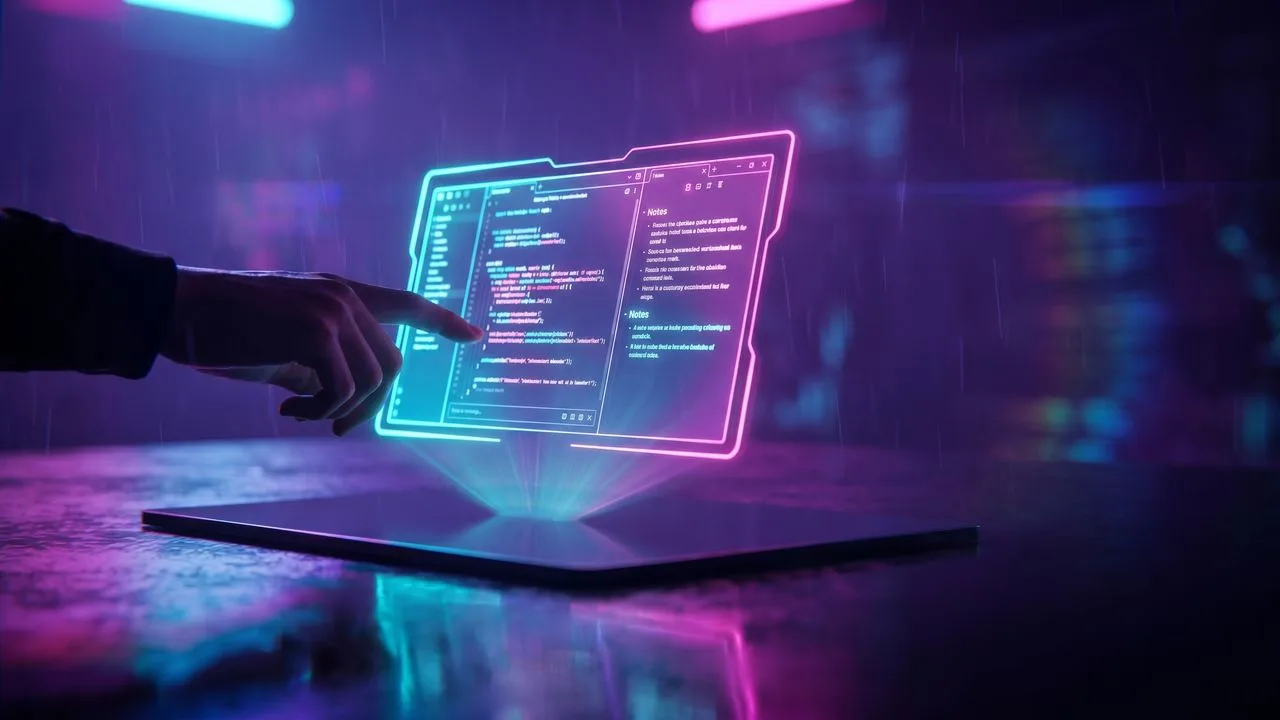
Photo: AI. Quinn Adler
There's a version of this story where I tell you Obsidian is just a markdown reader and you should use it as such. Chase, the creator behind the Chase AI channel, would like a word.
In a video published this week, Chase walks through a setup he calls an Obsidian Command Center—a custom dashboard that sits on top of Claude Code and turns what is normally a terminal-only workflow into something closer to a mission control panel. Integrated terminal, one-click automations, live research feeds, visual reports. The whole thing was built by Claude Code itself, as a custom Obsidian plugin.
It's genuinely clever. It's also worth understanding what's actually running underneath it before you start building your own.
What the command center actually does
The surface level is easy to describe: Chase has configured Obsidian to show him a real-time overview of his work life—subscriber counts, upload status, calendar, daily tasks, trending GitHub repos, Hacker News, AI news—all on a single screen while a terminal pane runs Claude Code in parallel. Tabs let him go deeper into audience metrics or research. One-click buttons trigger automations: a morning brief, a weekly review, an inbox digest.
"The cool thing with this isn't necessarily what I have here," he explains, "but the fact that you could change any of this or add anything you want to with a single prompt inside of Claude Code."
That's the pitch. The command center is a starting point, not a template. His setup reflects his life as a content creator. Yours would look completely different—and he's right that the iteration cycle is fast enough that experimenting is cheap.
The automation buttons deserve a closer look, because this is where the architecture gets interesting. When you click one, it launches a headless Claude session that runs the skill independently—it doesn't interrupt whatever you're doing in the terminal. That separation is useful design. It also raises a question I'll come back to.
The architecture underneath (this is the part that actually matters)
Chase is explicit that the command center is the flashy part and the file architecture is the substance. Without a coherent vault structure, you eventually hit a wall—Claude Code burns tokens wandering through a poorly organized file system, gets slow, and you end up needing a full RAG implementation to compensate for a problem that good folder hygiene would have prevented.
His recommended starting point is a three-bucket structure he attributes to Andrej Karpathy: raw (unstructured input), wiki (processed knowledge, internal reference pages), and outputs (deliverables). The logic being that every piece of work passes through those stages, and the vault structure should reflect that flow rather than fighting it.
Within that structure, Chase describes placing an index file at each folder level—a table of contents that tells Claude Code what exists at that layer without forcing it to scan every file. His framing: if the system can't navigate to something quickly, you're paying for the navigation in tokens and time. Whether you adopt Karpathy's exact buckets or adapt them (Chase himself has expanded to nine folders—archive, content, daily notes, dashboard, inbox, op, projects, raw, system, wiki), the principle holds: the structure needs to make sense to a human explaining it aloud, because that's roughly the bar at which Claude Code will navigate it reliably.
The CLAUDE.md file is a map of you
This is where I want to slow down, because it didn't come up in the video and it should.
The CLAUDE.md file is Claude Code's persistent context—the document it reads at the start of every session to understand your environment, your conventions, and how you want it to behave. Chase's advice on what to put in it is sound as far as it goes: vault structure, navigation patterns, Obsidian formatting conventions (wiki links, tags, embeds). "Less is more," he says, and he's right that a bloated context file creates its own problems.
But here's what that file actually is: a structured description of your entire professional knowledge base. It tells the model where your projects live, how your work is organized, what your naming conventions are, and how to find things. Combined with a vault that contains your daily notes, inbox, and outputs, it is functionally a map of your work life. That's valuable precisely because it makes Claude Code more effective—but it's worth being clear-eyed about what you're building. The CLAUDE.md is not a settings file. It's an index to you.
This matters for scoping. If you're storing genuinely sensitive material in your vault—client work, financial records, health notes—your CLAUDE.md should reflect deliberate decisions about what Claude Code does and doesn't have navigation access to, not just default to "here's everything, figure it out." The access control mechanism here is folder structure and what you include in your context. That's primitive by enterprise security standards, but it's what you have, so use it consciously.
The headless billing shift
Anthropic recently changed how headless Claude Code usage is billed—programmatic sessions (which is exactly what those one-click automations run) no longer draw from the same pool as interactive Max plan usage. Instead, they move to API-rate pricing. Check Anthropic's current pricing page for the current structure, because the specifics have been moving.
Chase's read is that it's annoying but not a blocker for typical usage—he's running a handful of automations throughout the day, not hammering the API. His fallback if costs become a concern: swap Claude Code for Codex in headless mode. "You can refactor this in like five minutes," he says. "We're just changing Claude-P to Codex headless."
What I'd add: those one-click automations are pulling from your calendar and email to generate that morning brief and daily task list. That's where the flat-rate-to-API-rate shift gets less abstract—you're not just paying more per click, you're paying at API rates for sessions that have access to your personal data integrations. Worth knowing the cost structure before you wire up ten of them.
What you actually need to build this
A few community plugins handle most of the Obsidian infrastructure: Terminal (for the embedded Claude Code session), Hot Reload (so edits to the plugin don't require restarting Obsidian every time), and Iconize (folder icons, cosmetic but orienting). Enable Web Viewer in core plugins—it's off by default and you'll want it for inline browsing.
The command center dashboard itself gets built by Claude Code as a custom plugin. Chase's suggestion for visual design: take the prompt to Claude's design tool first, ask it for several distinct style variants as if it were designing a web app, then pick one you can live with. The plugin will live inside your vault and Obsidian will load it like any other plugin—except this one knows your data and does your job.
The total setup is less technically demanding than it sounds. If you can write a clear description of what you want to see and what you already do regularly, Claude Code can build the scaffolding. The harder work is the upfront thinking—what do you actually want on that dashboard, and what vault structure will still make sense in two years when you have thousands of documents instead of dozens.
"If you can explain it and if someone can understand it," Chase says, "then Claude Code probably can, too."
That's a reasonable heuristic. It also means that if your vault structure only makes sense to you when you're inside it—no index files, idiosyncratic naming, no navigation logic—you're not just making Claude Code's job harder. You're making your own future self's job harder when you eventually need to find something.
Build the structure first. The dashboard is just a mirror that shows you what you built.
More Like This
Karpathy's Obsidian Setup Challenges RAG Orthodoxy
Andrej Karpathy's markdown-based knowledge system questions whether most developers actually need traditional RAG systems at all.
Claude Code: Transforming Video Editing Dynamics
Explore how Claude Code reshapes video editing with AI, enabling non-experts to create quality videos and its implications for job security.
Claude Code Agentic OS: Skills Beat Dashboards
The flashy Claude Code dashboards get the clicks, but the real value lives in a skill and automation backbone most users never build. Here's what that actually means.

Anthropic Passed OpenAI. Your Data Is Why.
Anthropic just overtook OpenAI in business adoption—and both companies responded with free offers within the hour. Here's what that speed tells you about who the real product is.
Claude Code Simplifies AI Development in 2026
Explore Claude Code's simplicity in 2026 for AI development, reducing the need for complex frameworks.
Obsidian Plus Claude Code: The Second Brain That Sticks
Mark Kashef tried Obsidian five times and quit. The sixth time, he added Claude Code. Here's what changed about building a second brain that works.

AI Coding Tools May Erode Developer Skills
A small but pointed Anthropic study finds junior developers who use AI score worse on coding quizzes—especially in debugging. Here's what the data actually says.

Garry Tan's Blueprint for the AI-Native Company
Y Combinator's Garry Tan argues that how you organize AI matters more than which AI you use. Here's what that means in practice.