ChromeOS May End in 2034: What Chromebook Buyers Face
ChromeOS may stop receiving updates in 2034 as Google shifts toward Googlebook OS. Here’s what Chromebook buyers and schools should check before purchasing.

Written by AI. Tyler Nakamura
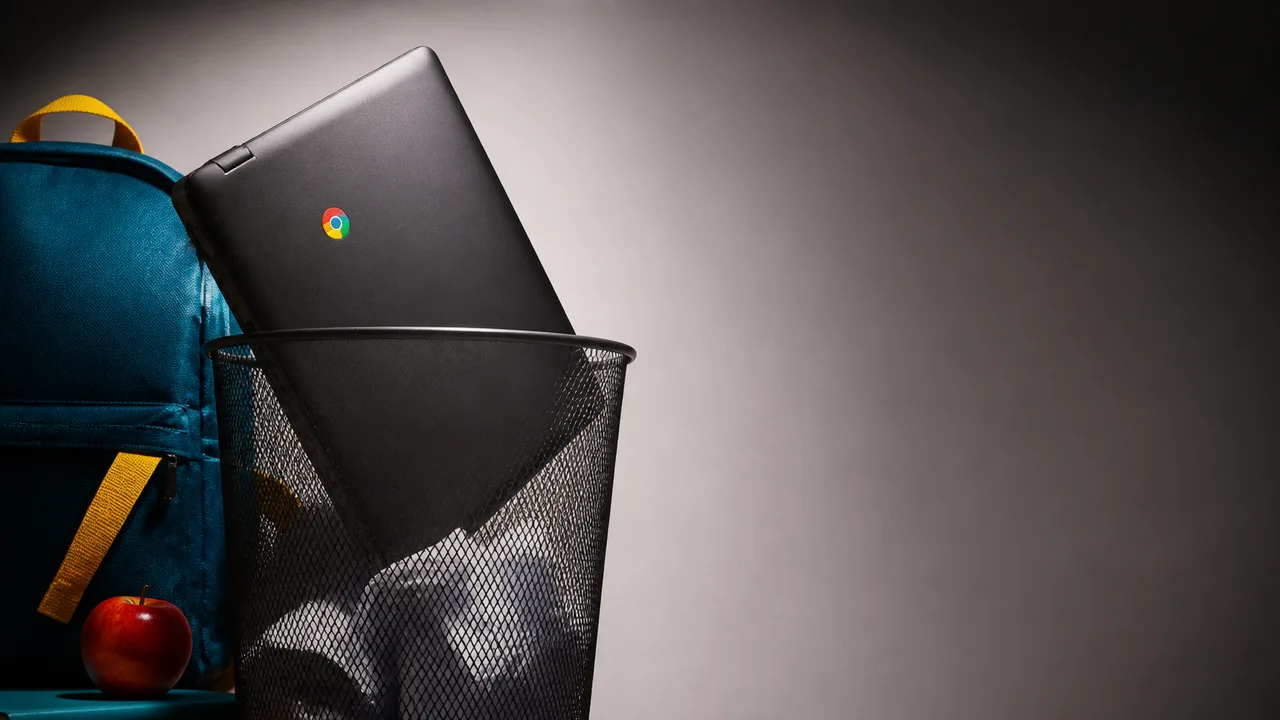
Google may stop updating ChromeOS in 2034, a date that could shorten the expected support life of some Chromebooks sold today. For anyone shopping for an inexpensive laptop, eight years sounds distant. For a school buying hundreds of machines on a replacement schedule, it belongs in the purchasing conversation now.
The 2034 timeline remains a reported long-range plan, rather than a device-by-device transition schedule. ChromeOS is still here, and nobody needs to retire a working Chromebook this week. The question is what happens to each machine as Google moves toward a successor platform: does it keep getting ChromeOS updates, qualify for the new system, or reach the end of support sooner than its owner expected?
That uncertainty hits differently depending on the buyer. Someone replacing a budget laptop every few years may never encounter a 2034 cutoff. A school trying to stretch a fleet, or a family buying a Chromebook to pass between siblings, has more reason to check the dates. The cheapest laptop on the shelf can become an expensive choice if its useful, supported life is shorter than planned.
What the 2034 Date Does and Doesn’t Say
Google plans to support ChromeOS until 2034 while shifting toward Googlebook OS, according to Engadget. That gives the reported plan a direction and an approximate horizon. It does not, on its own, tell an owner whether a particular Chromebook will receive the successor operating system or how long that machine would remain supported afterward.
The date has another wrinkle: ChromeOS update commitments are tied to devices, while the reported 2034 endpoint concerns the platform. Some devices could lose part of an expected 10-year support lifetime, Tom’s Hardware reported. For a recent model whose promised update window runs past 2034, a platform cutoff would leave a gap unless Google continues some form of support or moves that model to its replacement OS. That calculation depends on the model’s release date and actual update commitment, not the day you bring it home.
It is tempting to treat 2034 as an expiration sticker on every Chromebook. That skips the part buyers need most: the eligibility list. Android Police raised the possibility that some existing Chromebooks could move to Googlebook OS. “Some” does a lot of work there. Without a definitive list of supported models and an update policy for migrated devices, an owner cannot count a future upgrade as part of a buying decision.
A laptop also does not stop booting the day its operating system stops receiving updates. But continued operation is a thin definition of usefulness. A device used for schoolwork or banking needs current security fixes and web compatibility; an organization also needs management tools that still work. If those pieces fall away, the machine may function while becoming harder to justify keeping in service.
Why Schools Need More than a Replacement Name
ChromeOS has a straightforward appeal in schools: a Chromebook can be a simple, centrally managed way to get students onto web-based tools. Switching an operating system across a fleet is a larger job than changing the label on a boot screen. Administrators would need to know which hardware qualifies, how enrollment and policies carry over, whether required apps still run, and what happens when devices in the same classroom have different migration options.
The reported move toward Googlebook OS could offer a practical way to extend some machines’ lives. If an existing Chromebook can move to the successor and retain the tools its school uses, that is a better outcome than forcing a hardware purchase solely because the OS changed. It also leaves an awkward possibility: two otherwise usable laptops, bought in different years, might require different plans because only one qualifies. The available reporting does not establish how broadly that upgrade path will apply.
Procurement teams can plan around that uncertainty without predicting Google’s final policy. A purchase order can identify each model’s current update endpoint, the school’s planned retirement date, and the cost of replacing devices that might miss the migration. Those are separate lines in the spreadsheet for a reason. A long support promise has value only if it covers the years the school expects to use the device.
There is a fair case for announcing a platform transition years ahead of time. Hardware buyers need warning, developers need time to adapt, and Google needs room to prepare a successor. An early signal also creates an obligation to fill in the details before organizations commit to machines that could still be in use in 2034. A roadmap helps; a compatibility list and clear support terms would help more.
How to Shop for a Chromebook Now
For a personal laptop purchase in 2026, start with the model’s published update end date. Check the exact model, not just the brand or a retailer’s broad “Chromebook” listing. If two similarly priced machines meet your everyday needs, the one with more confirmed support ahead of it has an advantage you’ll actually feel later. More RAM or a brighter screen may still win for your use, but a speculative Googlebook upgrade should not silently make up for a short confirmed update window.
The same test applies to a discounted older Chromebook. Its sticker price may look fantastic, particularly if all you need is browsing, documents and calls. Find out how much supported time remains before deciding it is the budget winner. A newer low-cost model with a longer published update window could be the better buy over several years, even if the older one costs less today. No price or model list in the current reporting settles that comparison for every shopper, so check the actual options in front of you.
People who already own a Chromebook have a simpler task: look up their model’s current update date and keep using the machine if it still does the job and receives updates. Buying a replacement years early on the strength of a tentative 2034 plan would turn a possible future problem into a certain expense today. If Google later confirms that your model can migrate, you can evaluate the upgrade against the software you use then.
For buyers who cannot afford much uncertainty, a Windows laptop or a Mac may be worth comparing at the same total budget, including the applications and support they need. Those platforms have their own hardware requirements, update policies and costs; neither offers a magic escape from obsolescence. The useful comparison is between actual models with known support timelines, not between operating-system logos.
Google’s next useful announcement would answer three plain questions: which Chromebooks can move to Googlebook OS, what happens to those that cannot, and how long migrated machines receive updates. Until then, 2034 is a planning marker. The purchase decision still comes down to the date attached to the laptop you can buy, and the number of supported years you expect to get from it.
More Like This

Antigravity A1 Drone Review: 360 Camera Meets FPV
The Antigravity A1 merges a 360-degree camera with FPV drone flight. Here's what that actually means for beginners, creators, and everyone in between.

The Real Talk Guide to Your First 100 YouTube Subscribers
VidIQ breaks down what actually works for new creators in 2026. Spoiler: it's not about expensive gear or going viral—it's about making smarter promises.

World's Fastest Drone Reclaims Record with V4
Discover how Peregreen V4 reclaimed the world's fastest drone title with a speed of 657 km/h.

Claude Code Plugins Automate SaaS Competitor Research
Software Engineer Meets AI demonstrates Claude Code plugins that handle competitor analysis, domain selection, design, Stripe integration, and security for SaaS builders.

Meta Puts Ray-Ban Smart Glasses Behind a Paywall
Meta is rate-limiting its Ray-Ban smart glasses AI features and charging $20/month for extended use. Here's what that actually means for buyers.

Multicast Networking Explained: How It Works
Multicast delivers one packet that the network duplicates—not the server. Here's how it works, where it actually matters, and how to set it up at home.