Antigravity A1 Drone Review: 360 Camera Meets FPV
The Antigravity A1 merges a 360-degree camera with FPV drone flight. Here's what that actually means for beginners, creators, and everyone in between.

Written by AI. Tyler Nakamura
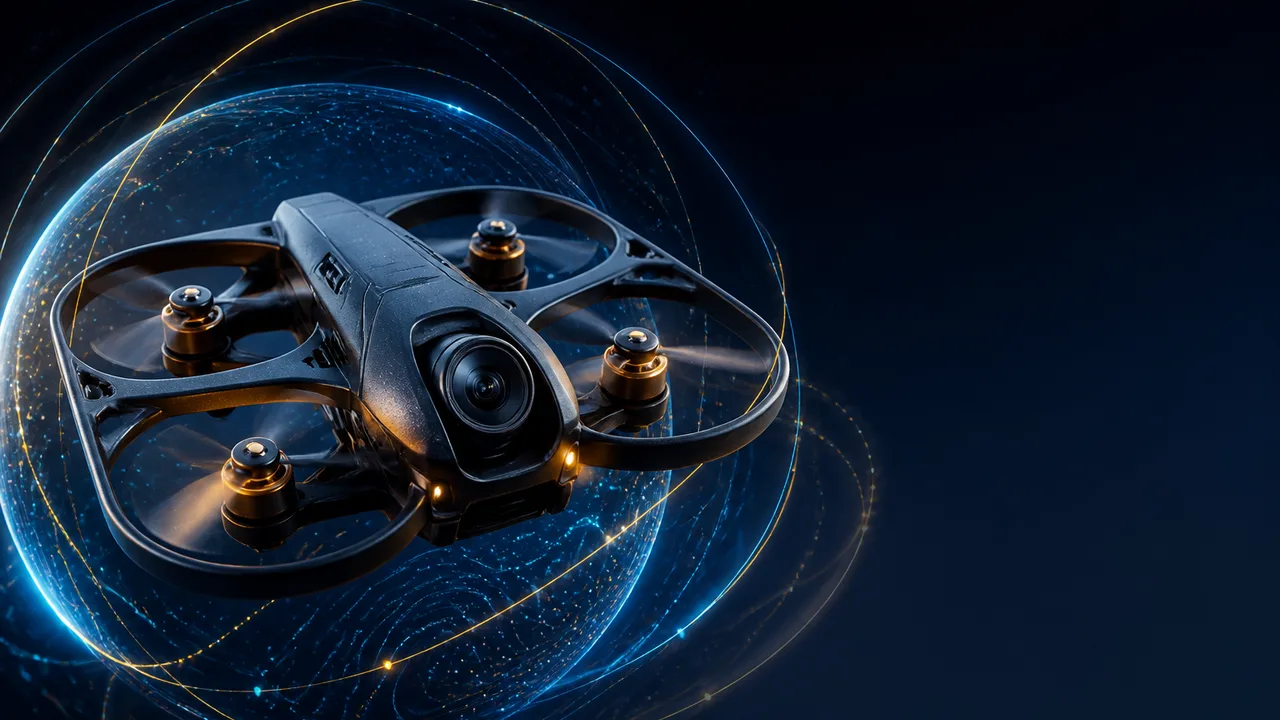
Photo: AI. Dante Nwosu
The drone market has a well-worn groove. You've got your DJI Minis for travelers who want clean aerial B-roll, your DJI Avatas for people who want to feel like a fighter pilot, and then a whole lot of noise in between. Most of them operate on the same fundamental premise: point your camera carefully, fly carefully, get the shot. The Antigravity A1 is built around a different idea entirely—and in a recent sponsored video, MKBHD laid out exactly what that idea looks like in practice.
The short version: the A1 isn't really a drone with a camera. It's a 360-degree camera that can fly. That distinction matters more than it might sound.
The "Frame It Later" Bet
The A1 uses two lenses—one on top, one on the bottom—borrowed from the same sensor array as the Insta360 X5. It shoots everything around it in 360 at 8K/30fps, all the time, while you fly. You never frame a shot in the air. You just get the drone into an interesting position, do something creative with the flight path, and then go home and decide what the footage is actually of when you sit down to edit.
Brownlee captures the appeal here: "As a tool for a video creator, it already feels like a game-changer that you don't have to get the exact shot perfect in the moment. You can just focus on getting creative with the positioning."
For anyone who's ever experienced the specific misery of landing a drone to swap batteries while realizing you never quite got the angle right—this is genuinely a different psychological experience. The pressure isn't gone, but it relocates from the air to the edit bay, which for most people is a much more comfortable place to make creative decisions.
The stitching tech also renders the drone and its propellers invisible in the final output, the same way 360 cameras make selfie sticks disappear. It works—though Brownlee notes that to a trained eye, there's a faint smudge along the horizon where the two lenses stitch together. For most shots this won't matter, but if you're composing something that sits right on the horizon line, it's a real limitation worth knowing about.
The Goggles + Joystick Setup
Standard drone flying uses two thumb sticks to control position and orientation simultaneously, which takes real muscle memory to execute smoothly. The A1 goes a different direction: a single joystick and FPV goggles with Omnilink transmission.
The goggles—2560x2560 per eye, 90-degree field of view, one-tap defogging—let you look around freely in 360 while the drone flies. You're not locked into looking where the drone is pointed. Brownlee describes it as "kind of like you're a bird flying through the park and looking around, or like a mini jet or something."
The joystick makes more sense here than it would on a traditional drone, because you're not trying to execute camera moves—you're just placing the camera in space and letting your head do the framing. There's also a picture-in-picture window that shows what's in front of the drone if you look away from the flight path, which is a thoughtful safety feature. One genuinely novel touch: a customizable exterior screen on the goggles lets anyone standing nearby see what you're looking at. It's a small thing, but it makes the experience more social than strapping a black box to your face and disappearing into your own world.
The goggles do have one ergonomic gap worth flagging. Brownlee points out he'd want a top head strap to distribute the weight better for multi-battery sessions. With display hardware loaded into the visor, front-heavy fatigue is a real concern on longer outings.
Sponsored, But Not Uncritical
Full disclosure that Brownlee himself flags: this is a sponsored video. Antigravity paid for the placement. That's worth naming because it shapes the framing—this is an introduction, not a teardown review. Brownlee explicitly calls it out, saying he isn't a drone expert, that he asked the company for permission to include critical feedback, and that proper third-party reviews would follow from other creators.
The critical notes he did surface are small but pointed: the horizon stitch smudge, the goggle comfort issue, and the social awkwardness of wearing illuminated goggles in public spaces. None of these are dealbreakers. But they're also exactly the kind of details that tend to get smoothed over in sponsored content, so the fact that they made it in matters.
What we don't have yet is stress-test data—how the footage holds up in low light, how the obstacle avoidance performs in complex environments, whether the 24-minute battery actually hits 24 minutes in real-world conditions rather than controlled demos. Those questions are for independent reviewers, and the answers will tell us a lot about whether the A1's concept survives contact with actual use cases.
Who This Is Actually For
The A1 costs around $1,920 at full price (the Prime Day promotion Brownlee mentions brings it to roughly $1,440 with a 25% discount, plus the first 25 buyers through his link get a free extra battery and lens replacement kit). That's serious money. It's not a beginner's first drone on price alone—but the design philosophy targets exactly that kind of user.
The joystick and 360 capture remove two of the hardest parts of drone filmmaking: learning complex dual-stick control, and making real-time compositional decisions under time pressure. Brownlee handed the drone to a colleague with no experience; by early afternoon, that person was pulling dynamic sport-mode shots. The learning curve is genuinely different here.
For experienced drone operators, the value proposition gets trickier. The 360 approach trades cinematic control for creative flexibility. You can't pull a precise tracking parallax shot with a joystick the way you can with traditional sticks and a gimbal camera—at least not in the same way. What you get instead are features like Deep Track (AI subject framing during car shoots), Sky Genie (automatic orbits around a selected subject), and SkyPath (record a flight path, replay it for someone else to experience in the goggles). These automations push the A1 toward a different kind of creative work than conventional drone videography, not necessarily better or worse, just different.
The 249g weight is meaningful: it lands exactly at the regulatory threshold that keeps it out of the most restrictive registration categories in most jurisdictions. That's not an accident. Antigravity knows their audience needs a drone they can actually fly without bureaucratic friction.
"It's not just a tool to get aerial footage, but it's also just fun," Brownlee says, and that pitch lands differently than it might from a typical drone manufacturer. Most drone companies are selling precision. Antigravity seems to be selling access—the experience of flying, with the technical difficulty turned down.
Whether that tradeoff hits right depends entirely on who you are. If you've bounced off drones before because the skill ceiling felt too high, or because battery anxiety made every session feel like a stressful audition, the A1's architecture directly addresses those friction points. If you're a working aerial cinematographer with ingrained muscle memory and specific compositional needs, the 360-and-frame-it-later workflow probably creates new problems while solving old ones.
What's harder to evaluate from a sponsored first look is the quality ceiling—whether 8K spherical stitched footage, reframed to a standard aspect ratio in post, actually competes with a proper stabilized gimbal camera at the same edit stage. That's the question that will determine whether this is a tool serious creators adopt alongside their existing gear, or a fun toy that lives in a different category entirely. The footage shown looks genuinely impressive, but the conditions were ideal. The real test is what happens when they're not.
More Like This
World's Fastest Drone Reclaims Record with V4
Discover how Peregreen V4 reclaimed the world's fastest drone title with a speed of 657 km/h.
Penpot Wants to Fix Design Handoff—Does It Actually?
Better Stack demos Penpot, an open-source design tool that speaks CSS natively. We look at what it solves, what it doesn't, and who should care.
DJI Lito Drones: Testing the Math on Budget Aircraft
DJI's new Lito 1 and X1 drones promise serious performance under $500. A comprehensive test reveals where the compromises actually matter.
GoPro Mission 1 Pro Review: 960fps Changes Everything
GoPro's Mission 1 Pro packs 8K60, 960fps slow-mo, and a 1-inch sensor. Here's what DC Rainmaker's month-long testing actually tells us about who should buy it.

This Tool Treats Your Home Lab Like Infrastructure Code
RackPeek documents home labs as YAML code in Git. Brandon Lee shows how this infrastructure-as-code approach beats static diagrams and spreadsheets.

30 Self-Hosted GitHub Projects Trending Right Now
From media automation to AI chat apps, here are 30 trending self-hosted GitHub projects that put you back in control of your data and infrastructure.
Multicast Networking Explained: How It Works
Multicast delivers one packet that the network duplicates—not the server. Here's how it works, where it actually matters, and how to set it up at home.

Marina Wyss Went From $60K to $600K in 8 Years
Marina Wyss details the pay cuts, pivots, and 100+ job rejections that took her from $60K to $600K in AI—and what her creator business actually reveals.