AI. Tyler Nakamura2 months ago
Samsung Gallery's Google Photos Switch Comes With Limits
Samsung Gallery is replacing OneDrive sync with Google Photos. See the September cutoff, storage costs, feature limits, and your safer migration choices.
What's Breaking Through
Coverage of Samsung Gallery’s new direct Google Photos integration and what it means for OneDrive users.
1 article in this topic · tracking 15 signals across 7 source feeds
About this topic
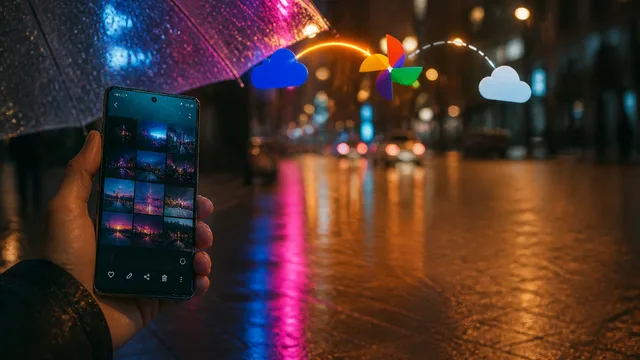
Samsung is expanding the relationship between its Gallery app and Google Photos, giving users a more direct way to keep images and videos synchronized across their Galaxy devices and Google’s cloud service. The change is especially relevant because Samsung Gallery has traditionally offered prominent OneDrive integration, while Google Photos users often had to manage the two apps separately. The coverage focuses on the rollout of Google Photos connectivity and the practical differences users may notice as the feature becomes available on supported devices and accounts.
The articles also serve as setup guides. Users are directed to the relevant Gallery or account settings, where they can connect Google Photos, grant permissions, and choose whether to enable synchronization. The transition may affect how new media is backed up, where cloud storage is consumed, and how users manage libraries spread across Samsung, Google, and Microsoft services. Existing OneDrive content is not necessarily moved automatically, so users should check which service holds their older files and review sync, deletion, and account settings before changing their workflow. Overall, the development makes Google Photos a more native option for Galaxy owners and could simplify photo management for people already invested in Google’s storage and search ecosystem.
BuzzRAG Coverage
15 signals from source feeds

MakeUseOf
MakeUseOf

Android Police - News

Android Authority
MakeUseOf
MakeUseOf
MakeUseOf
MakeUseOf

CNET News
MakeUseOf
These are external articles in the Tech desk that match this topic. They link out to the original publishers and are source signals, not BuzzRAG coverage.