Run OpenClaw on a UGREEN NAS: Setup Guide
OpenClaw brings real AI automation to your UGREEN NAS—scheduled tasks, messaging app integration, and a skill store. Here's what the setup actually looks like.

Written by AI. Yuki Okonkwo
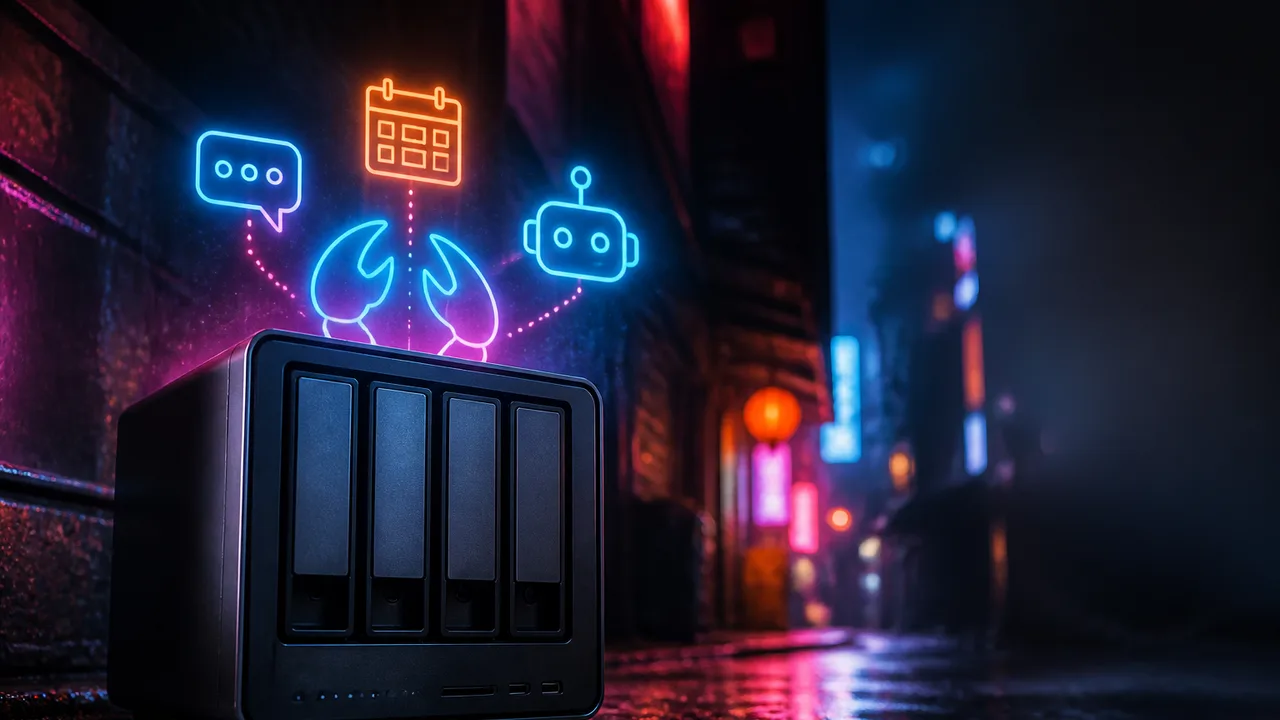
Photo: AI. Kai Hargrove
There's a particular kind of software that gets hyped for potential and quietly never delivers on it. AI tools especially. "You can automate anything!" Sure. And then you spend three weekends debugging YAML and your automation does nothing useful.
OpenClaw is making a different kind of claim—that AI can be genuinely useful at the infrastructure level, not just as a chat window you open when you're bored. A recent video from Raid Owl puts that claim to the test by running OpenClaw on a UGREEN DXP4800 Pro NAS, and the result is more grounded than most AI content you'll encounter right now. It's not a revolution. It's a working demo. And sometimes that's the more interesting story.
What OpenClaw Actually Is (Not What You Think)
The most clarifying thing in the video is this: OpenClaw is not an AI. It's a layer on top of one.
As Raid Owl explains it: "Open Claw is basically just an interface or a service to interact with a separate AI provider. That's why you typically hear that Open Claw can run on anything."
That distinction matters more than it sounds. OpenClaw's job is orchestration—it takes your scheduled tasks and your prompts, figures out which "skills" (think: modular tools) to invoke, calls your AI provider of choice, and then routes the response to wherever you want it. Your messaging app, your terminal, whatever.
The AI brain itself lives elsewhere. You can point OpenClaw at cloud providers like Google Gemini, Anthropic, or anything OpenAI API-compatible. Or you can run a self-hosted Ollama instance locally—which is exactly what Raid Owl does, running Ollama on an NVIDIA DGX Spark. The NAS isn't doing the thinking; it's doing the scheduling, routing, and delivery. That's a meaningful architectural choice, because it means the compute requirements for the NAS itself stay manageable.
For most people who aren't running a DGX Spark in their home lab (lol), connecting to a cloud API is the realistic path. The setup steps are basically identical either way: API endpoint URL, API key (or a dummy value if your provider doesn't use one, like Ollama), and you're in.
The Setup, Demystified
The UGREEN-specific installation is genuinely frictionless—find OpenClaw in the NAS app store, install it, set a passphrase, choose which directories you want it to have access to. The video flags that last step as worth thinking about, and I'd agree. More on that in a moment.
Inside the app, you configure your model provider, then add a model. You'll enter the exact model name, a display name, context length (how much conversation history the model can hold at once), and max tokens (roughly: how long its responses can be). For most casual use cases, Raid Owl suggests sticking with popular 4B or 8B parameter models—small enough to run cheaply, capable enough for everyday tasks.
Then you pick your messaging channel. The UGREEN version currently supports WhatsApp, Discord, Telegram, and Slack. Once that's wired up, OpenClaw can push messages to you and receive your replies. Your NAS becomes a contact in your chat app. That's a genuinely weird sentence that I think is also kind of cool.
Does It Actually Work?
Here's where the video earns some credit for honesty. Raid Owl admits going in fresh: "I've never actually used OpenClaw before"—and then proceeds to set up a working cron job anyway, live. The task: send a weather report every morning at 8:00 AM.
The setup for that is disarmingly simple. Name the job, set the schedule (standard cron syntax), write a prompt describing what you want. OpenClaw handles figuring out which skills to call. It worked on the first try.
The follow-up test was more interesting: asking OpenClaw for local activity recommendations via WhatsApp. It confidently suggested things to do in Dallas—except the user is based near Houston, three hours away. A quick clarification in the chat fixed it. "Such a silly AI overlord," as the video puts it.
That's not a dig. That's just how these systems work right now—they're genuinely useful and occasionally confidently wrong, and the two-way messaging interface makes correction feel natural rather than frustrating. The final test, asking it to run a code review on a pull request, worked too, and the video notes you could turn that into a daily cron job: automated PR summaries, delivered to your phone every morning.
The skill store extends this further. The UGREEN install comes with a bundle of pre-loaded skills, and you can browse for more. Code review, weather, and presumably a growing list of integrations are all in play.
The Part You Should Actually Read
Here's the tension that the video surfaces and that deserves more attention than a single paragraph: OpenClaw's usefulness scales directly with how much access you give it, and that access is exactly where things can go sideways.
Raid Owl is clear-eyed about this: "Don't give OpenClaw access to anything that isn't necessary or that you don't trust. You see a ton of people giving it access to GitHub repos, their email boxes, and even passwords."
The principle at work here is least-privilege access—only grant permissions for what the tool actually needs to do its job. If you're generating API keys or creating service accounts for OpenClaw, scope them tightly. And if you're running OpenClaw on a NAS that also holds anything sensitive, the recommendation is to isolate it in its own VLAN (a virtual local area network segment, essentially a walled-off slice of your home network) so that a compromise there doesn't cascade.
This isn't paranoia. It's basic hygiene for any software that sits between your data and an AI provider—cloud-based or otherwise. The question of what your prompts, your file contents, or your conversation history look like on the other side of that API call is genuinely worth asking, and it's not a question OpenClaw itself answers for you. That depends entirely on which provider you're using and what their data handling policies are.
Worth noting: OpenClaw is still very new software. The UGREEN integration dropped only days before this video was filmed. Early software is more likely to have rough edges, and giving a brand-new tool access to your email and GitHub while it's still in its first week of public deployment is a higher-variance move than doing so once it's had a few months of community scrutiny.
The Actual Question This Raises
The hardware framing here is almost incidental. The UGREEN DXP4800 Pro is a capable NAS—10 gig networking, SSD caching, container support—but it's functioning as a platform, not the point. What's interesting is the broader pattern: home lab hardware is increasingly able to host AI-adjacent tooling that would have required a cloud service or a dedicated server two or three years ago.
OpenClaw on a NAS is, stripped down, a personal AI automation layer that lives in your house, talks to whatever model you want, and pings you on WhatsApp. The "ambient AI" concept that's been floating around tech discourse for a while—AI that integrates quietly into your existing workflows rather than demanding a separate tab and your full attention—is starting to find its implementation path in home infrastructure.
Whether that's useful or just elaborate depends on what you actually want automated. A weather report every morning is a solved problem. A daily PR summary with actionable notes is genuinely less trivial. The gap between "I set this up" and "this saves me real time" is where most home automation projects quietly die.
OpenClaw seems designed to close that gap. Whether it does, at scale and over time, is still an open question—and one that probably takes longer than a 7-minute video to answer.
More Like This
Anthropic's Claude Managed Agents: The AI Agent Platform War Heats Up
Anthropic just launched Claude Managed Agents, a platform that lets you build autonomous AI agents in minutes. Here's what it means for the AI automation race.
Abacus Claw Just Made AI Agents Actually Usable
Abacus transforms OpenClaw from experimental tech into production-ready infrastructure. Deploy AI agents in under a minute—no servers, no setup.
OpenClaw Gives AI Agents Root Access to Your Machine
OpenClaw lets you run autonomous AI agents with full system access. The security implications are fascinating—and the project handles them honestly.
OpenClaw: The Self-Hosted AI Agent Running 24/7
OpenClaw is an open-source AI agent that runs constantly on your own hardware, automating tasks through simple chat commands while keeping your data private.
OpenClaw Dominates February's GitHub: What It Means
February's GitHub trends reveal an AI agent ecosystem in rapid evolution, with OpenClaw spawning dozens of variants optimized for everything from $10 hardware to enterprise security.
OpenClaw 3.13 Lets AI Agents Browse Using Your Accounts
OpenClaw's latest update allows AI agents to browse the web with your logged-in accounts, plus mobile redesigns and privacy improvements.

How Optimization Powers Modern AI and Engineering
From training ChatGPT to imaging black holes, optimization is the hidden engine behind modern AI and engineering. Steve Brunton's lecture explains how.

How Agent Operating Systems Handle Always-On AI Tasks
Julian Goldie's Agent OS community session reveals how scheduled tasks, token management, and model orchestration work—and where the friction actually lives.