PAI Gives Claude Code Persistent Memory and Structure
PAI adds persistent memory, custom skills, and structured workflows to Claude Code. Here's what it does well, what it costs you, and who actually needs it.

Written by AI. Yuki Okonkwo
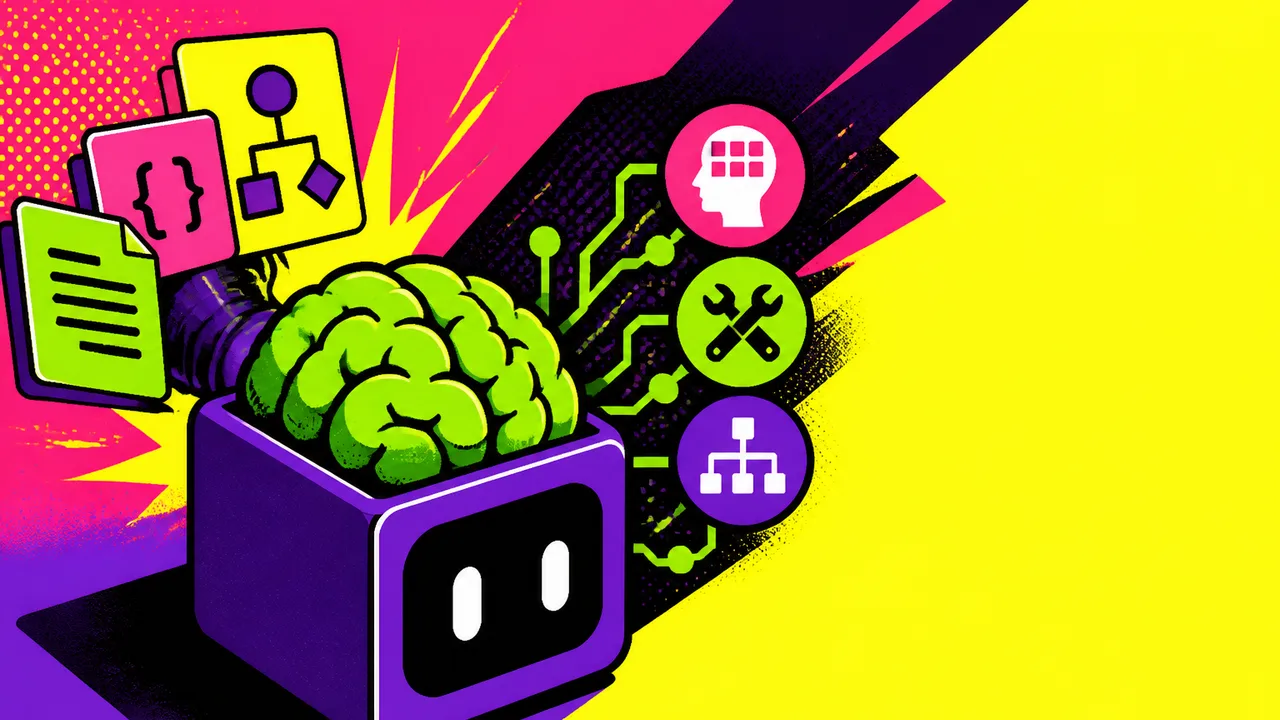
Photo: AI. Zephyr Cole
Every developer who's used Claude Code for serious work has hit the same wall. You start a new session, and the thing that helped you architect your auth layer last Tuesday? Gone. Your preferred testing strategy? Gone. That decision you made six weeks ago about why you're not using GraphQL here? You're re-explaining it. Again.
It's a strange kind of groundhog day — a highly capable AI assistant with total amnesia, and you're the one paying the context tax every single time.
PAI, short for Personal AI Infrastructure, is a project by Daniel Miessler (you might know him from Fabric or SecList) that tries to fix this at the architectural level rather than the prompt level. Better Stack's recent breakdown gives the clearest public walkthrough of how it actually works — and more importantly, what it costs you to set it up.
What PAI actually is
The framing Miessler uses is "Life OS" — which sounds either visionary or exhausting depending on your disposition. The Better Stack video puts it more practically: PAI gives Claude Code "an operating layer — not just prompts, not just a folder of notes — an actual structure for memory, skills, workflows, goals, and processes."
That distinction matters. Plenty of developers have tried the folder-of-notes approach: a CONTEXT.md file, a pinned system prompt, a project readme that Claude theoretically reads. These work, sort of, until they don't — they're manually maintained, easy to let go stale, and still require you to explicitly invoke them every session.
PAI's architecture is more formalized. It includes:
- Persistent memory that carries context across sessions and projects
- Custom skills — reusable, personalized workflows for things like Next.js code review, security audits, or debugging
- The Algorithm — a seven-phase process (observe, think, plan, build, execute, verify, learn) that structures how Claude approaches any given task
- Pulse — a local dashboard for tracking state
- A named digital assistant with a consistent working style
The demo in the Better Stack video makes the value proposition tangible. Instead of opening a session with a wall of context-setting prose, the presenter simply asks: "Help me plan the architecture for this new feature using my current project context, past decisions, and coding standards." PAI pulls from its existing memory, runs through the Algorithm, and returns a structured plan that includes risks, assumptions, and verification steps — not just "here's one way to do it."
"Vague AI suggestions," the presenter notes, "don't really work well." That's the understated version. At scale, vague suggestions become expensive — both in time spent course-correcting and in the compounding cost of context that has to be re-established from scratch.
The continuity problem is real, and it's getting more pressing
This isn't PAI being uniquely clever. The Claude Code memory problem has spawned a whole cottage industry of solutions — from manual workarounds to dedicated plugins. Claude-Mem, for instance, takes a token-efficient approach to the same problem, claiming 95% savings by retaining searchable context locally. Ralph Wigum tackles it from a task-persistence angle. There's also been work on the token cost side — because persistent context, handled badly, can just make your API bills worse.
What's notable about this ecosystem is that it's almost entirely community-driven. Anthropic hasn't shipped a native, production-ready memory solution yet. Developers who want continuity are building it themselves, in different ways, with different tradeoffs.
PAI's angle is the most ambitious: rather than adding memory as a feature, it reimagines Claude Code as a personalized operating layer. Compared to heavier agent frameworks — the Better Stack presenter cites LangChain, CrewAI, custom multi-agent setups — PAI is explicitly lighter and more text-first. "You don't need to build a giant orchestration system just to get useful behavior from it."
The vision is a shift from "AI as a one-off answer machine" to something closer to a co-worker who already knows your codebase. That's a meaningful reframe. A co-worker who needs full context re-established every Monday morning isn't actually a co-worker — they're a very expensive temp.
The part PAI doesn't talk around
The Better Stack video is notably honest about where PAI stops being universally appealing, and it's worth sitting with that section.
PAI is not plug-and-play. It sits on top of other tools and skills. You need to be comfortable with terminal, git, config files, and — crucially — the ongoing cognitive overhead of maintaining your own AI operating layer. The installer helps, but the structure still requires investment: editing memory files, defining your ideal state, figuring out which parts of the system actually matter for your workflow.
"You'll probably spend time understanding the structure," the presenter says. "And if you heavily customize it, upgrades become something you need to actually think about."
That's a real cost. Developer tooling that requires developer-level care to maintain is a narrower value proposition than the "Life OS" framing might suggest. It's also worth flagging the platform dependency: PAI is built natively around Claude Code. If you're not already living in that ecosystem, that's either a non-issue or a hard blocker depending on your setup. API costs compound with heavy usage, too — something the Max plan absorbs, but that matters for teams or heavier workloads.
The custom skills are probably the most immediately compelling feature for the right user — and "right user" is doing work here. Skills in PAI aren't generic best practices. They're yours: your standards, your preferences, your definition of what good code looks like in your context. The presenter puts the value case concisely: "That is the one small difference. But it becomes a big difference after, I don't know, 50 sessions."
Fifty sessions is doing a lot of work in that sentence. That's the compounding argument — PAI is an investment that pays returns over time as the assistant accumulates context. The question every developer has to answer for themselves: how much setup overhead is worth what kind of long-term gain?
Who PAI is actually for
The Better Stack take is: developers who already live in Claude Code and want reusable workflows rather than one-time prompts. Not beginners. Not people who want something completely hands-off. Not, as the presenter puts it with some affection, people who need "a personal life operating system to remember how to center a div."
That self-aware narrowing is useful. Tools that oversell their own applicability tend to disappoint. PAI seems to know its audience — developers doing serious, multi-session work who have already hit the context-amnesia wall enough times to want a structural fix rather than a workaround.
The open-source repo is available if you want to dig into the actual architecture rather than take anyone's word for it.
The deeper question this whole space raises isn't really about PAI specifically — it's about what it says that the community keeps building these systems. Memory, continuity, and personalization are foundational to AI being genuinely useful for sustained work. The fact that we're still patching this at the community level, across multiple competing projects, suggests the gap between "impressive demo" and "reliable colleague" is still being actively negotiated. PAI is one serious attempt at closing it. Whether it's your attempt is the only question that matters.
More Like This
Why Your AI Memory System Should Be as Unique as Your Brain
There are 35+ Claude Code memory frameworks. Developer Mark Kashef argues none of them will fit you perfectly—and shows how to build one that does.
Claude's New Projects Feature: Context That Actually Sticks
Anthropic adds Projects to Claude Co-work, promising persistent context and scheduled tasks. Does it deliver or just rebrand existing capabilities?

Claude Code + Better Stack: AI Debugging Without the Tab-Switching
Better Stack's MCP server lets Claude Code pull errors, fix bugs, open PRs, and resolve issues—all from the terminal. Here's what that actually looks like.
Hermes Agent: The Self-Improving AI on Your Own Server
Hermes Agent is an open-source AI assistant that runs on your own infrastructure, learns from your workflows, and automates tasks via Telegram. Here's what it actually does.

Paperclip Wants to Turn AI Agents Into a Company
Paperclip hit 64K GitHub stars by promising to fix multi-agent chaos with org charts, budgets, and audit logs. Here's what that actually looks like in practice.
OpenAI's Symphony: The Free Tool That Builds Itself
OpenAI open-sourced Symphony, a coding agent orchestrator with a wild self-building install process. Here's what it does, what it costs you, and what OpenAI gets back.

Prompt Compression: Smarter LLM Input, Lower Costs
Prompt compression cuts LLM token costs without gutting context. Here's how the main techniques work, what they actually trade off, and where to start.

Running the Mythos Coding Model Locally with llama.cpp
The Mythos Enhanced Coding Model can now run locally via llama.cpp and Pi. Here's what that setup actually means for developers and the broader local AI shift.