Command Line Basics: A Free Course for Beginners
freeCodeCamp and Scrimba released a free 45-minute command line course for beginners. Here's what it teaches, how it teaches it, and who it's actually for.

Written by AI. Dev Kapoor
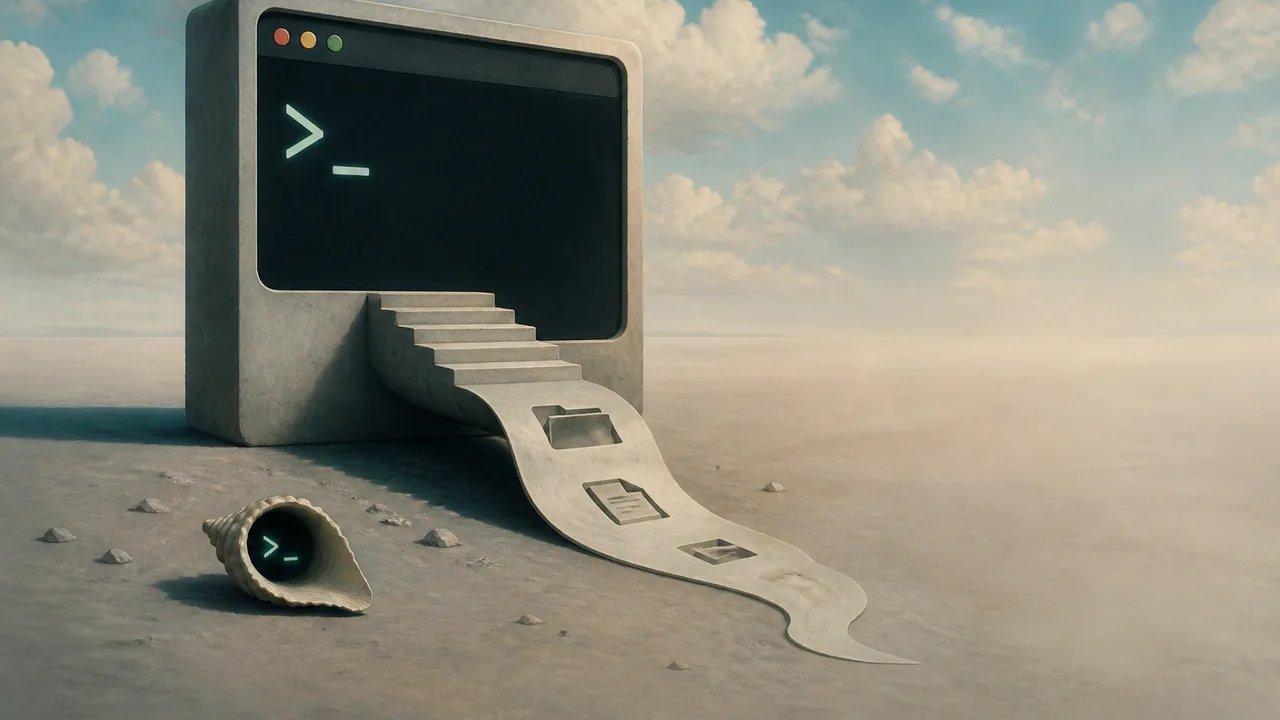
Photo: AI. Iolanthe Fenwick
There's a recurring argument in developer education circles about the terminal. One camp says: throw beginners in immediately, discomfort is pedagogically useful. The other says: ease them in, abstract the scary parts, build confidence first. Most courses quietly pick a side without acknowledging the tension exists.
freeCodeCamp's newly released Command Line Basics for Beginners, developed by Io (Ay Boval) on Scrimba and running just over 45 minutes, lands pretty firmly in the second camp—and it's worth understanding what that choice costs and what it buys.
The pedagogical bet
Io is an IT engineer based in Denmark and a former Scrimba student who came up through the platform's front-end developer career path. That trajectory matters: they're teaching from recent memory of what it feels like not to know this stuff, which shapes the course's entire register.
The framing device is a fictional startup. You, the learner, are an unpaid intern (yes, really—they say "once in a lifetime opportunity" with enough irony that it lands as a joke, mostly) helping a chaotic, post-it-note-addicted founder named Ay Boval organize a geography quiz game. The file system you'll navigate, clean up, and extend is the game's project directory. Exercises are wrapped in escalating narrative absurdity: you'll delete a virus.exe planted by a "boomer uncle" who borrowed a laptop, and hunt down a family_photos_1988 directory that somehow ended up nested inside countries/.
This is a real pedagogical choice, not just decoration. The scenario gives every command a reason. When Io walks through why rmdir fails on a non-empty directory and you need rm -r instead, it's because there are fictional vacation photos in there. The error message becomes plot.
Does it work? Probably for the target audience, yes. The course isn't trying to build systems intuition—it's trying to get someone who has never touched a terminal to type pwd without their hands shaking.
What the course actually covers
Section one—this release—covers the foundational layer of file system navigation and manipulation:
pwd(print working directory): where are you?ls(list): what's here?cd(change directory): how do you move?touch/rm: creating and deleting filesmkdir/rmdir/rm -r: creating and deleting directories, including the important distinction between empty and non-empty directoriesechowith redirection operators (>and>>): writing to files, with the crucial difference between overwriting and appendingcat: reading file contents to the terminal
That's a tight, coherent first section. Nothing is skipped over, nothing is hand-waved. The .. syntax for navigating up the file tree gets explicit, repeated treatment—Io frames it as an ant walking through branches rather than a bird flying between them, which is a surprisingly durable mental model for understanding that you can't just teleport between sibling directories.
The course is honest about one limitation: at the time of recording, the Scrimba IDE had a bug where using echo to simultaneously create and write to a file didn't always behave correctly, requiring learners to touch first. Io flags this directly rather than pretending it works. That kind of transparency tends to build more trust with beginners than polished-over workarounds.
The GUI vs. CLI question
The most substantive moment in the course's conceptual framing is the screwdriver-and-power-drill analogy. Io puts a macOS Finder screenshot next to a terminal view of the same directory. Same files, same structure, no icons, no color, no drag-and-drop. Then: "Basically, the Finder app and the terminal are two different tools with one and the same purpose."
That's a carefully calibrated claim. It's true enough to be useful and simplified enough to be arguable. A Finder window and a terminal are not fully substitutable—you can't replicate a well-constructed shell script with point-and-click, and some GUI operations have no clean CLI equivalent. But for a beginner audience, the framing does exactly what it needs to: it removes the mysticism without overclaiming that one tool is superior.
Io does then make the case for the CLI—efficiency at scale, development environment control (packages, virtual environments, version control via Git), and automation of repetitive tasks. The illustrative example is good: "Would you rather click each and every one of these 10,000 files in the Finder app to open them... or would you rather write a script that does this for you and execute the script from the CLI?" It's a little theatrical, but the underlying point is valid and lands cleanly.
What the course doesn't engage with—and this is a genuine gap, not a flaw in a beginner course—is when the GUI is actually the better tool. There are tasks where a visual diff, a drag-and-drop file reorganization, or a clickable git history genuinely beat the terminal. Beginners who leave this course thinking "CLI always wins" will eventually run into friction that a more complete picture would have prepared them for. That's a conversation for section two, or for the learner to find elsewhere.
The Scrimba format and what it enables
The interactive Scrimba environment deserves mention because it shapes what kind of course this can be. Learners work directly inside a browser-based terminal attached to actual project files. When Io hides the sidebar and tells you to use ls to explore rather than the visual file tree, that's not a suggestion—the sidebar is actually hidden. You have to use the commands.
This is meaningfully different from a passive video tutorial. The muscle memory of actually typing cd geography_game and watching the prompt change is the point. Whether it's different enough from a local terminal setup to justify the platform dependency is a fair question, but for someone who hasn't set up a local dev environment yet, the low barrier to entry matters.
Who this is for, and who it isn't
The course is explicitly for beginners—developers, DevOps engineers, and data analysts who haven't yet gotten comfortable with the CLI. That's a wide net. Someone who already knows their way around a Unix shell will find nothing here. Someone who's been avoiding the terminal because it feels opaque will find a patient, structured, lightly comic 45 minutes that treats their discomfort as legitimate rather than embarrassing.
The geography game scaffolding keeps the exercises grounded, but it's worth noting that the project itself is arbitrary—you're not building anything that runs. The file structure is the product. That might frustrate learners who learn better through functional outputs, but for pure CLI muscle-building, it's fine.
Section two—covering copy, move, rename, search, replace, and file organization—was still in production at the time of recording. The course is honest about this, which is worth acknowledging: publishing section one as a standalone is a reasonable release strategy, but learners should know they're getting the foundation, not the full structure.
The full course is free on freeCodeCamp's YouTube channel. The interactive version lives on Scrimba. Whether you prefer watching or doing will probably determine which format serves you better—though Io's recommendation to use the Scrimba version, where you actually have to type the commands rather than just watch them typed, seems pedagogically sound.
The terminal stopped being optional somewhere around the time containers became ubiquitous and infrastructure-as-code became a job requirement. A 45-minute free course won't make anyone a CLI power user, but it might make the person who's been avoiding that black rectangle for two years finally open it without dread. That's a reasonable thing to build.
More Like This
This 12-Hour Web Dev Course Builds 19 Real Projects
FreeCodeCamp drops a massive 12-hour tutorial teaching HTML, CSS, and JavaScript through 19 hands-on projects. Here's what makes it different.
JavaScript for Everyone: What Beginners Actually Need
A NeuralNine crash course treats JavaScript as a real programming language—not just browser glue. Here's what it covers and why that framing matters.
Claude Code Explained: What Anthropic's Free Course Covers
Anthropic's free Claude Code course on Anthropic Academy covers setup, CLAUDE.md files, and security. Here's what the curriculum actually teaches—and what it leaves open.
Bridging the Gap: C++ Workshop Tackles Industry Reality
Amir Kirsh's workshop addresses the persistent divide between academic C++ and production code—and questions whether one-day training can solve it.
Benchmarking Embedding Models: Open Source vs Proprietary
Explore embedding models and their role in data processing, focusing on open-source vs proprietary options.
How Cloudflare Uses Lava Lamps to Encrypt the Internet
Cloudflare's San Francisco office has a wall of 100 lava lamps generating entropy for SSL/TLS encryption. Here's why computers can't be truly random.

GLM 5.2 and the Case for Open-Weight AI
Zhipu AI's GLM 5.2 is making a serious run at frontier model performance. What it means for open-weight AI, model ownership, and who controls your tools.

Claude Sonnet 5 vs Opus 4.8: Benchmarks and Costs
Anthropic's Claude Sonnet 5 matches Opus 4.8 on most benchmarks at roughly half the price. Here's what that means for developers and the broader AI ecosystem.