Claude Code and Codex Can Now Process Raw Video
Claude Code and Codex quietly gained the ability to process raw MP4 files. Here's what that actually means for developers and what questions it leaves open.

Written by AI. Bob Reynolds
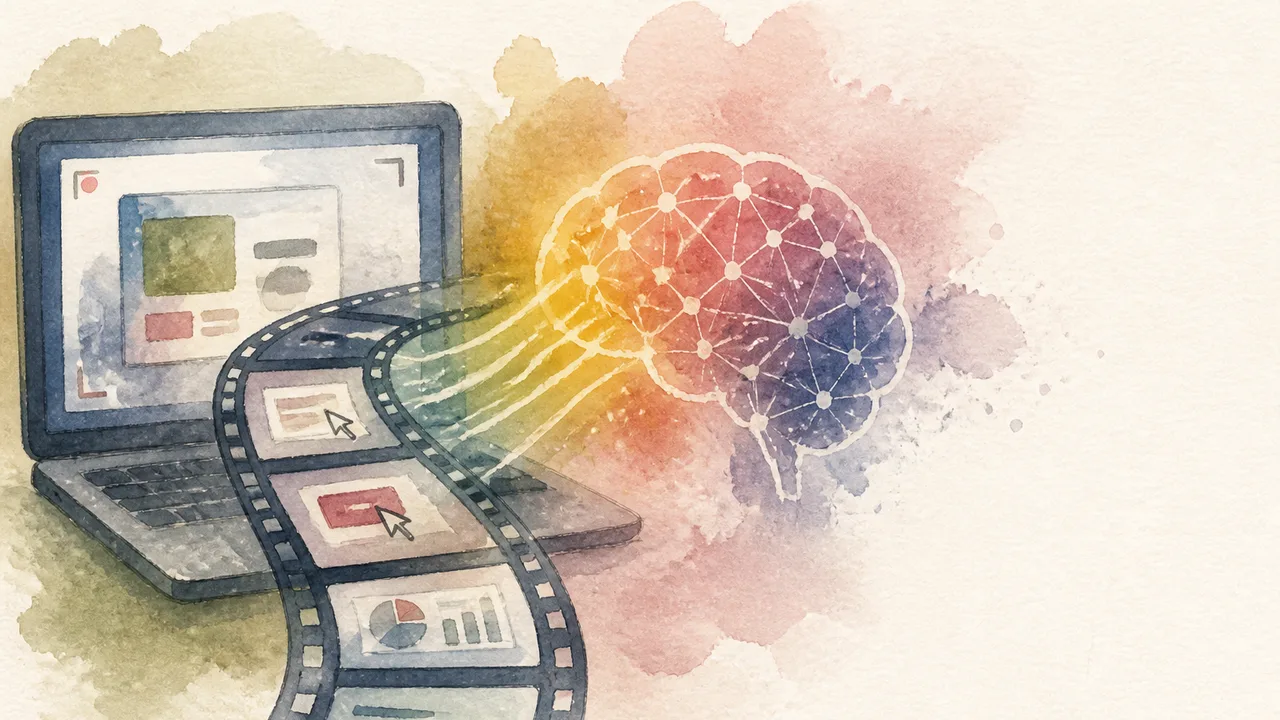
Photo: AI. Júlia Almeida
The announcement that wasn't an announcement is a recurring feature of the AI product cycle. Companies ship capabilities inside existing features, users discover them, and by the time the press release arrives, the early adopters have already built workflows around it. That appears to be what happened with Claude Code and Codex.
A few weeks ago, both tools shipped screen recording features — the kind that let you record your screen and convert the recording into a reusable skill. Useful, if narrow. What creator Mark Kashef noticed, and documented in a recent video, is that shipping the screen recording infrastructure also quietly improved both tools' ability to process raw video files. You can now drop an MP4 into Claude Code or Codex and have it analyze the content — frames, audio, transcript — without any plugins or additional setup. Neither Anthropic nor OpenAI appears to have announced this capability directly.
If accurate, it matters. Video as a dense input format — a way to hand an AI system rich, contextual information without laboriously typing it out — is a genuinely different kind of interaction than the text prompt box most people are still using.
How the processing actually works
Kashef's explanation of the mechanics is worth understanding. When you feed either tool an MP4, it doesn't watch the video the way you do. It breaks the file into individual frames — effectively a flipbook — and processes those frames through its image understanding capabilities alongside the audio track. The result is that the model can tell you what appeared on screen at a given timestamp, what was said, and where silences fell.
The practical implication he flags: keep the resolution down. Higher resolution means heavier frames, which consume more of the context window. This is the same constraint that has historically limited Gemini's video processing to roughly an hour of footage — at some point, all those frames exhaust the available context, and the model runs out of room to reason. Shorter videos at lower resolution are the pragmatic workaround for now.
The three entry points Kashef demonstrates are: dropping a raw MP4 file directly, pointing the tool at a video link and letting it fetch and process the file itself, and — the most inventive of the three — repurposing Codex's built-in "record and replay" skill to do something it wasn't specifically designed to do.
The use cases, ranked by interestingness
The website improvement demo is the most immediately legible. Kashef records a Loom walkthrough of his own website, narrates what he wants changed, and hands the recording to Claude Code. The model watches the video, extracts the feedback embedded in the narration and the visual context, and produces an improvement plan tied to specific timestamps. If the AI also has access to the underlying codebase, it can go from that plan directly to implementation. The value proposition here is collapsing a step: instead of recording a Loom for a human developer, translating their understanding into written requirements, and then feeding those requirements to the AI, you go directly from recording to AI. The video is the spec.
The 3D website clone is technically flashier but arguably less transferable. Kashef walks through an award-winning website, narrates which design elements he wants to emulate for a hypothetical headphone company, and the recording substitutes for a detailed written prompt. He notes on YouTube that people typically approach this kind of project with multi-step prompt sequences; a narrated walkthrough sidesteps that. The output he shows — a scrolling 3D page for the fictional brand — is visually polished. Worth noting: the demo also invokes a Gemini skill to generate a short video clip used as a design foundation, so the pipeline isn't solely Claude Code or Codex.
The workflow audit is the most interesting. This is where Kashef genuinely repurposes a tool. Codex's record-and-replay skill exists to capture workflows and turn them into automatable skills. Kashef explicitly tells the model to ignore that programming and just watch him work — in this case, a manual research process on X — and produce a standard operating procedure describing what he did and where automation could replace manual steps. "I literally just want you to watch me and audit the process," he tells the model, "and then we can talk about skills later."
The output he receives maps his workflow, identifies where the X API could automate the repetitive parts, and frames the whole thing as a starting point for building a replacement pipeline. It's a genuinely clever inversion of the tool's intended purpose, and the SOP it produced reflects real attention to his specific process rather than a generic template.
What the demos don't settle
Kashef's demos are conducted in controlled conditions — his own websites, his own workflows, projects he already understands deeply. That context does real work in the results. When he narrates what he wants while walking through a website, the model is receiving structured guidance embedded in the video, not just raw footage. A user who records a confusing or poorly narrated walkthrough will get different results, and it's not obvious from the demos how gracefully the tools degrade when the input is messier.
The SaaS platform rebuild he mentions — recording a walkthrough of a tool he uses monthly and starting to reconstruct it for personal use — is framed as a promising beginning rather than a finished result. "The entire process of building this platform took way longer than expected," Kashef says in the video. That's an honest disclosure, and it's worth sitting with. Starting a complex build from a video prompt is easier than finishing it.
There's also a question that Kashef doesn't raise but that anyone deploying this in a workplace context should: what happens to the video you hand these tools? Screen recordings of internal processes, unreleased products, or client workflows carry data-handling implications that differ meaningfully from typing a text prompt. Both Anthropic and OpenAI have published data use policies, but video input is richer and potentially more sensitive than text, and the question of how that footage is processed, stored, or used for training is worth investigating before the recording starts.
Where Gemini fits in all of this
Kashef's framing — "just a few months ago, I had to lean on something like Gemini because it was one of the only models in the world that could both interpret and create video" — positions this as a competitive shift. Gemini has had native video understanding for longer, and that lead was a genuine differentiator. If Claude Code and Codex now offer comparable video input capability within subscriptions many developers already hold, the calculus changes.
The honest caveat is that Kashef is comparing his experience using these tools, not a controlled benchmark. Gemini's video understanding, particularly in its longer-context variants, was purpose-built. Whether Claude Code and Codex's video processing is genuinely on par for demanding use cases, or whether it covers a useful range of simpler tasks while falling short on others, isn't something a single creator's walkthrough can settle. It would take systematic testing across varied inputs, and that work hasn't been published yet.
What Kashef's video does establish is that the capability exists, that it works in the scenarios he tested, and that the workflow implications are real. Replacing a written brief with a narrated screen recording is a genuine shift in how developers can communicate intent to AI tools. Whether that shift holds up at the edges of what you actually need it to do is the question worth answering before you restructure your process around it.
The tools got more capable while most people weren't watching. That part, at least, is not in dispute.
More Like This
Google AI Studio Gets Visual: Tab, Design Previews, Edit Mode
Google AI Studio just added prompt autocomplete, live design previews, and direct UI editing. Here's what the updates actually change—and what they still don't fix.

Gemini 3.5 & Omni: What Google I/O Actually Showed
Google unveiled Gemini 3.5 Flash and Omni at I/O 2026. Here's what the demos actually showed—and what questions they left open.
GPT 5.5 Isn't Actually Running Unless You Check These Settings
Most people don't realize their new AI model isn't even activated. Here's what TheAIGRID found about GPT 5.5's hidden configuration issues.
Becoming a Claude Code Power User
Master Claude Code updates with custom tools and stay ahead.
Visual Plans for Claude Code Change Agent Reviews
Builder.io's Steve Sewell introduces visual-plan and visual-recap skills for Claude Code, turning AI-generated markdown walls into interactive MDX diagrams and wireframes.
Integrating Claude Code with GitHub Actions: A Deep Dive
Explore the integration of Claude Code with GitHub Actions, covering setup, costs, and AI-driven automation.

Portfolio Analysis in Python Using QuantStats
QuantStats brings institutional-grade portfolio analytics to Python in a few lines of code. Here's what the library actually does—and where its limits begin.

Ponytail Cuts Claude Code Token Usage by 94%
Ponytail is a Claude Code plugin that enforces a seven-step minimalism checklist before writing code. Here's what it does, how it works, and what to watch for.