Ten Claude Code Plugins Worth Adding in 2026
From knowledge graphs to adversarial code review, Chase AI maps ten Claude Code plugins that address real workflow gaps—not just hype.

Written by AI. Marcus Chen-Ramirez
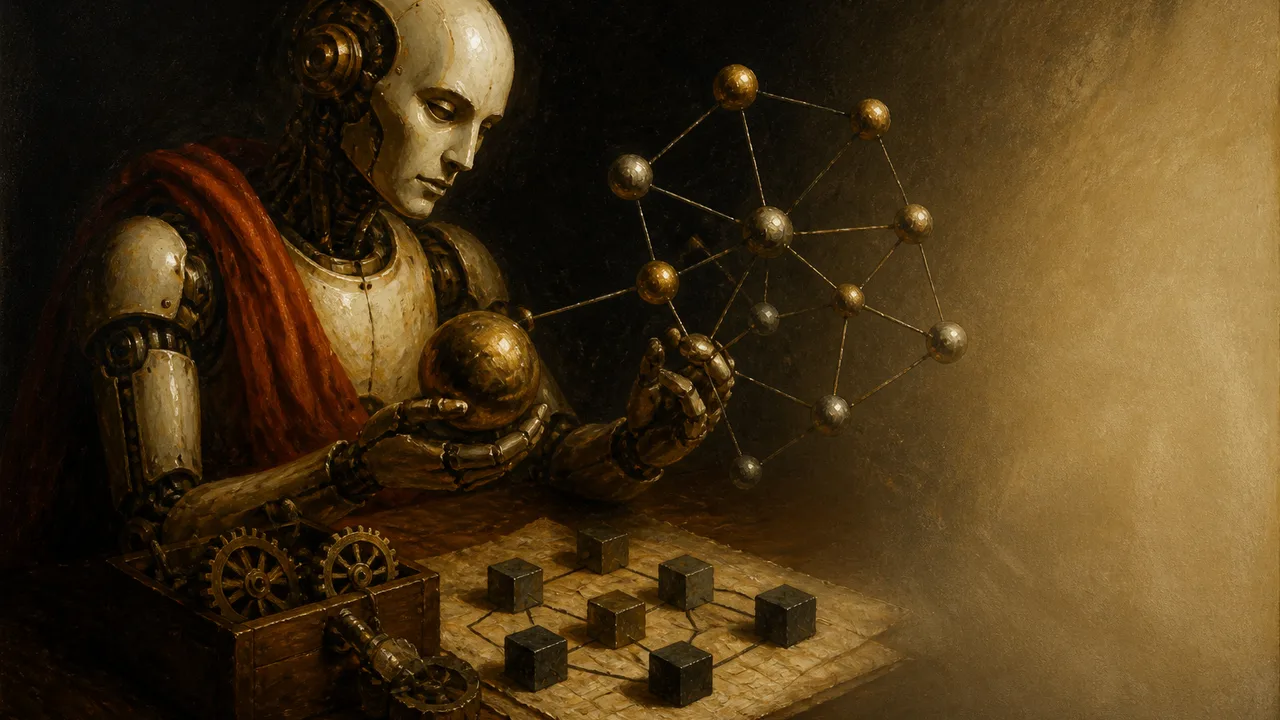
Photo: AI. Henrik Solberg
The Claude Code plugin ecosystem has developed its own noise problem. New tools drop daily, each promising to be the one that changes everything, and the cumulative effect is predictable: most developers have learned to ignore all of it. Reasonable coping mechanism. Also a decent way to miss things that are actually useful.
Chase AI's recent roundup of ten lesser-known plugins and CLIs for Claude Code is worth your attention precisely because it doesn't spend much time on the headline tools. No Superpowers, no Frontend Design—the stuff you've already heard about. Instead, the video works through a tighter question: what are the specific friction points in a Claude Code workflow, and is there a tool that addresses each one without creating three new problems?
That framing matters. The most common failure mode in AI-assisted development isn't bad code generation—it's misalignment. You and the model think you're building the same thing. You're not.
The memory problem and Graphify's answer
The video opens with what it calls Claude Code's memory problem, and the first tool—Graphify—is positioned as a non-RAG solution to it. The distinction is worth understanding. Retrieval-Augmented Generation (RAG) is the standard approach to giving language models access to external knowledge: chunk documents, embed them, retrieve relevant chunks at query time. It works, but it has overhead, and it treats a codebase as a pile of text rather than a connected system.
Graphify does something structurally different: it builds a knowledge graph from your repository—a map of how components relate to each other and why—that Claude Code can then navigate. The practical payoff, according to the video, is that the same questions get answered with fewer tokens consumed compared to Claude's default grep-based approach.
The part that addresses the obvious follow-up concern: when your repo changes, you don't have to rebuild the graph manually or burn API calls doing it. The hook command triggers an AST-only rebuild after each commit, meaning the language model isn't involved. It's a deterministic parse of your code structure. Fast, cheap, stays current.
Graphify also integrates with Obsidian—run it with the right flag and it generates a full Obsidian vault for the repo. Which is a neat segue into tool five.
Alignment, adversarial review, and the Codex wrinkle
The second and third tools address the misalignment problem more directly. Matt Pocock's Grill Me and Grill with Docs are described as "plan mode on steroids"—they extend Claude Code's built-in planning phase with more thorough questioning, without a significant token cost increase. The pitch, in Pocock's own framing quoted in the video: "The most common failure in software development is misalignment. You think the dev knows what you want. You then see what they've built, and you realize it didn't understand you at all."
Chase AI built a third tool on top of this: Grill Me Codex, which adds an adversarial review layer using OpenAI's Codex. After you and Claude Code have aligned on a plan, Codex gets brought in to review it—not once, but up to five rounds of back-and-forth between the two models, ending with a thumbs-up when they're both satisfied. The reasoning: "Claude Code cannot be trusted all the time to necessarily evaluate its own code correctly. This is something Anthropic has even brought up."
That's a notable thing to say plainly. The model's self-evaluation is unreliable enough that a second model from a direct competitor has become a recommended workflow component. Whether you find that concerning or just pragmatic probably says something about your priors on AI development tooling generally.
For people who want the adversarial review without the multi-round ceremony, the official Codex plugin for Claude Code (from OpenAI directly) handles single-pass reviews, domain-specific adversarial checks, and a "Codex rescue" mode where Codex works independently on a specific feature. There's a free tier. The video notes it's been available for a few months but sees surprisingly low adoption in day-to-day workflows.
The Karpathy effect
Two tools here owe their existence to Andrej Karpathy's public thinking about AI-assisted development. Claude Obsidian automates the wiki-style knowledge organization Karpathy described—drop in sources, Claude extracts entities and concepts, cross-references get updated, and the vault grows richer with each session. Critically, it maintains a "hot cache" updated at the end of each session, so the next conversation starts with full recent context rather than requiring a recap.
The other Karpathy-adjacent entry is simpler and, based on its 170,000 GitHub stars, more widely adopted: a CLAUDE.md file encoding four conventions—think before coding, simplicity first, surgical changes, goal-driven execution. You could dismiss this as obvious. The video acknowledges that instinct: "you almost want to laugh, like, okay, yeah, duh, you should do this." But the point isn't that these principles are novel. It's that codifying them in a CLAUDE.md file makes them structural rather than aspirational. The model follows them because they're always in context, not because you remembered to ask. This connects to the broader simplification trend in Claude Code's evolution—sometimes the most effective intervention is also the least impressive-looking one.
The rest of the list
Impeccable is the front-end design entry: one skill, 23 commands, explicitly framed as a tool for "defeating the AI slop monster." It includes a live mode that spins up a dev server and lets you point at UI elements for real-time editing, which addresses something real—working purely in code when you're trying to make visual judgments is a friction point that's easy to underestimate.
Higgsfield CLI and MCP serve a narrower use case: AI image and video generation, integrated into the Claude Code terminal. Useful if you're building content workflows or UI components that incorporate generated media. Less relevant if you're not.
The notebooklm-py CLI is the video's most enthusiastic entry. The pitch is essentially cost arbitrage: offload research and document-processing tasks to Google's NotebookLM—which is free—rather than burning your own API tokens. The CLI unlocks capabilities that the NotebookLM web interface doesn't offer, including batch downloads and PowerPoint export. It connects Claude Code to a capable, maintained external system at no marginal cost. The limitation worth noting: you're routing data through Google's infrastructure, which has its own implications depending on what you're working with.
Finally, the n8n MCP server. n8n has lost some of its dominance as a no-code automation platform—the video acknowledges the space has evolved—but it retains a specific niche: client-facing automations where the end user needs to understand and interact with the workflow themselves. The n8n MCP makes it possible to build these automations almost entirely from within Claude Code, rarely needing to touch the n8n canvas directly.
What this list is actually about
Taken together, these ten tools are less a random collection of useful plugins and more a map of the places where Claude Code's defaults fall short: memory across sessions, alignment before building, self-evaluation reliability, UI quality, external service integration, cost management.
The batch migration tools and GitHub Actions integrations address different gaps in the same ecosystem. The plugin layer, increasingly, is where the real workflow customization happens—not in the base model.
None of these tools are magic. Several of them solve problems that arguably shouldn't require a plugin in the first place. But that's usually how practical tooling evolves: someone gets frustrated, builds a fix, publishes it, and eventually enough people use it that it either gets absorbed into the core product or becomes a permanent fixture of the ecosystem.
The more interesting question is which of Claude Code's current friction points are temporary—things Anthropic will eventually solve natively—and which represent structural characteristics of how large language models work that no amount of product iteration will fully paper over.
More Like This
Ten Tools to Fix Claude Code's Terrible Design Aesthetic
Claude Code generates the same purple gradients and Inter font on every site. Here are ten plugins and skills that might actually fix its design problem.

Claude Code at Scale: The Harness Is the Product
Claude Code works fine for small projects. But at scale, the model matters less than the harness around it. Here's what that actually means in practice.

OpenAI's Codex Is Growing Up Fast—And Getting Weird
OpenAI's latest Codex updates add browser control, AI-reviewed approvals, and... animated pets? A look at where AI coding tools are actually heading.
Cursor Replaced 15,000 Lines of Code with 200 Lines of Markdown
How Cursor's David Gomes deleted a complex feature and rebuilt it with prompts—plus the very real problems that came with trusting models instead of code.
Claude Code's Hidden Features That Actually Matter
Claude Code ships features faster than users can discover them. Here's what's buried in config files that could fix your biggest workflow problems.
Claude Code's New Batch Migration Tools Change the Game
Claude Code adds parallel agent tools for code quality and large-scale migrations. Plus HTTP hooks, markdown previews, and a clipboard command that actually works.

EU AI Act: How to Tell If Your AI Is High-Risk
The EU AI Act's high-risk classification isn't just about what your AI does—it's about how it's deployed. Here's what organizations need to understand now.
AI Coding Tools and the Developer Skills Trade-Off
New research shows AI coding tools may improve productivity while quietly eroding developer skills. What does the data actually say—and who should be worried?