Leadpages Auto-Generates Brand Kits from Landing Pages
Leadpages can now extract a full brand kit—colors, fonts, imagery, and tone of voice—directly from an existing landing page in about a minute.

Written by AI. Alex Volkov
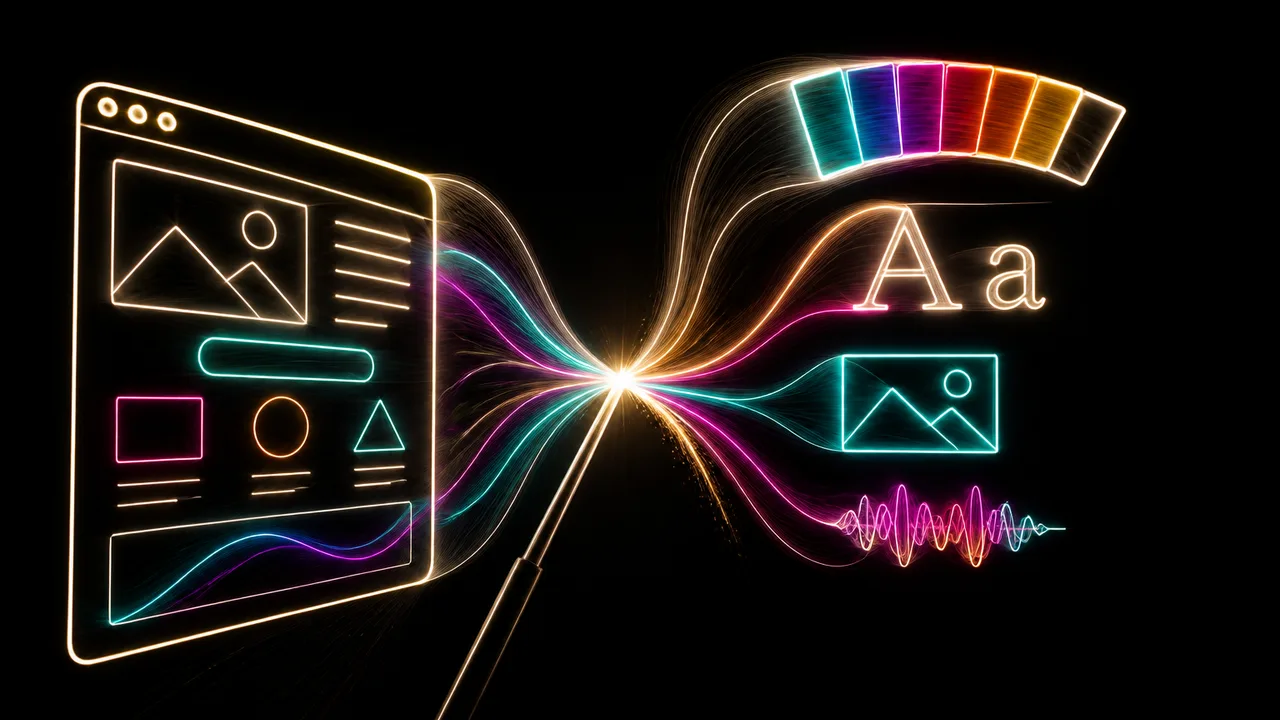
Photo: AI. Phaedra Lin
There's a particular kind of friction that kills small businesses slowly: not the big stuff—the product-market fit question, the CAC math that never quite closes—but the grinding, invisible overhead of keeping your own brand consistent. The founder who built her landing page at midnight using AI-generated copy and stock images, then stares at her next campaign three weeks later wondering which shade of teal she used, what font that headline was, whether the button color even matches. It's not a crisis. It's a tax. And it compounds.
Leadpages is betting that automating brand extraction is worth building into their core product. Their recently published walkthrough shows the company's AI agent doing something that sounds modest but has real workflow implications: scanning an existing landing page and reverse-engineering a brand kit from it—palette, typography, extracted imagery, and a tone-of-voice profile—in roughly a minute.
The mechanics are straightforward. Inside the Leadpages editor, there's a brand kit menu in the bottom-left toolbar. If no kit is assigned to the current page, you'll see the option to "build brand kit from current page." Click it, and the agent gets to work. As the tutorial narrator explains, "it's analyzing your page, logos, palette, typography, imagery, and voice. It's going to generate a brand kit based on all of these elements."
The output isn't just a color swatch. The kit surfaces typography choices, extracts images from the page's hero and other sections into a dedicated brand imagery folder, and—perhaps most interestingly—generates a tone-of-voice profile. In the demo, the generated kit tagged the brand as "friendly, casual, innovative" with personalities described as "warm, approachable, forward thinking." Whether that assessment is genuinely useful or marketing fluff dressed up as data is a fair question; the answer probably depends on how much nuance you expected AI-generated personality tags to carry.
What actually gets captured
The extraction covers five layers: logos (if any exist on the page), a color palette, typography settings, imagery pulled from the page itself, and the voice/tone profile. Each of these is editable after generation, which matters—because the AI is inferring from what's already on the page, not reading your brand guidelines document.
This is the core tension worth sitting with. If you generated your page from scratch using Leadpages' AI builder without a defined brand in mind, what you get back is a kit derived from the AI's own aesthetic choices. You're essentially asking the system to codify decisions it already made for you. That might be fine—or it might lock you into an arbitrary set of design choices that felt acceptable at 11pm but look generic in the morning light.
On the other hand, if you're working with a page that already reflects considered brand decisions—your actual logo uploaded, real brand colors in use, intentional typography—then the extraction function is genuinely useful. It's doing the tedious reverse work of documentation that most small business owners never actually do.
The dashboard management layer adds depth here. Under "manage brand kits," users can enrich the kit with context that helps the agent make better decisions downstream: target audience descriptions, value propositions, writing style preferences, vocabulary dos and don'ts, and example copy. "If you go ahead and fill all of these details, the agent will have more context to build the best possible pages and campaigns." This moves the brand kit from a style snapshot toward something closer to a brief—the kind of document an agency would charge you to write.
The consistency play
The more compelling use case isn't the initial generation—it's what happens next. Once a brand kit is saved, it becomes assignable to any new page at creation time, and retroactively applicable to existing pages via a "reapply brand to page" function that rescans the page and updates styling to match.
More usefully: when a brand kit is active in the editor, all page elements—buttons, forms, text, countdown timers—automatically style themselves to match the kit. No element-by-element color selection. No manually hunting down which Google Font you uploaded three campaigns ago. The kit propagates.
This is where the product logic becomes clearest. Leadpages is a landing page builder, and landing page builders live or die on how fast users can ship. Every manual step between "I have an idea" and "this page is live" is a risk that the user gives up or ships something off-brand. Automating brand propagation removes a whole category of friction.
The media library integration is a quieter feature that deserves mention. Every image extracted into a brand kit automatically gets its own organized folder in the media library, with the ability to add logos, videos, and custom sub-folders, taggable for further organization. For a business running multiple campaigns with distinct audiences—same brand, different angles—this kind of asset organization is the difference between a 20-minute page build and a 90-minute one.
What this doesn't solve
A few things the feature can't do on its own. It can't tell you whether your brand is any good. It can't compensate for a page that was generated carelessly in the first place—garbage in, codified garbage out. And the tone-of-voice extraction, while a nice idea, is doing something genuinely hard: inferring personality from design choices, which isn't the same thing as reading your actual content strategy. "Friendly, casual, innovative" describes roughly 60% of all startup landing pages ever built.
There's also a questions about kit proliferation. The tutorial shows a dashboard with multiple saved brand kits from previous sessions. For a solo operator running three or four campaigns, that's manageable. For a small agency or someone who's been in the Leadpages ecosystem for years, brand kit hygiene could become its own administrative layer. The feature doesn't currently appear to include any deduplication logic or kit comparison tools.
These aren't dealbreakers. They're the kind of gaps that suggest this feature is v1, not v-final.
The interesting strategic read here is that Leadpages is doing what most AI-integrated builders are quietly racing to do: make the AI the memory layer for your business, not just the generation layer. Building a page is a one-time action. Maintaining brand consistency across dozens of pages, over months, across a team—that's a recurring problem that justifies ongoing platform dependency.
Whether that dependency is something founders should welcome or approach with eyes open is a question worth sitting with before you let any single tool become the keeper of your brand record.
More Like This
Ideogram AI's New Updates Fix the Two Biggest Problems in AI Design
Ideogram AI just launched three features that solve AI design's most annoying issues: broken text and inconsistent characters. Here's what actually changed.
Test-Driven Development Tames AI Coding Agents
Red-green-refactor is a decades-old discipline. Brainqub3 argues it's also the most practical fix for AI coding agents that break things while fixing things.
Inside Nebula: AI's Promise and Peril for Startups
Explore Nebula's AI-driven platform, its potential for solo entrepreneurs, and the challenges of automation.
AI Website Builder Creates Full Site From Business Card
Gary Explains tests Readdy AI's ability to generate professional websites from business cards alone. Five minutes, zero code—but what does this mean for web dev?
OpenClaw's Bold Move: Ditching MCP for CLI
OpenClaw's shift from MCP to CLI redefines AI tool integration, tackling token bloat and security risks.
Pencil.dev Promised Design-to-Code Magic. Here's Reality
AI LABS tested pencil.dev's design-to-code workflow and found it wasn't automatic. Here's what they built to fix it and what it means for AI design tools.

Verda Raises €124M to Build European AI Cloud
Helsinki's Verda has stacked €124M in funding across two raises to build AI cloud infrastructure on clean Nordic power. Here's what the capital structure signals.

Quaise Energy Is Vaporizing Rock to Reach Geothermal Heat
Quaise Energy has raised $234M to drill geothermal wells using fusion-derived energy beams. Here's what's real, what's unproven, and what's at stake.