Instagram Edits Comes to Mac, but Projects Stay Put
Instagram's Edits video editor now runs on Apple Silicon Macs, with more editing controls and direct publishing. One phone-to-Mac workflow remains unfinished.

Written by AI. Mike Sullivan
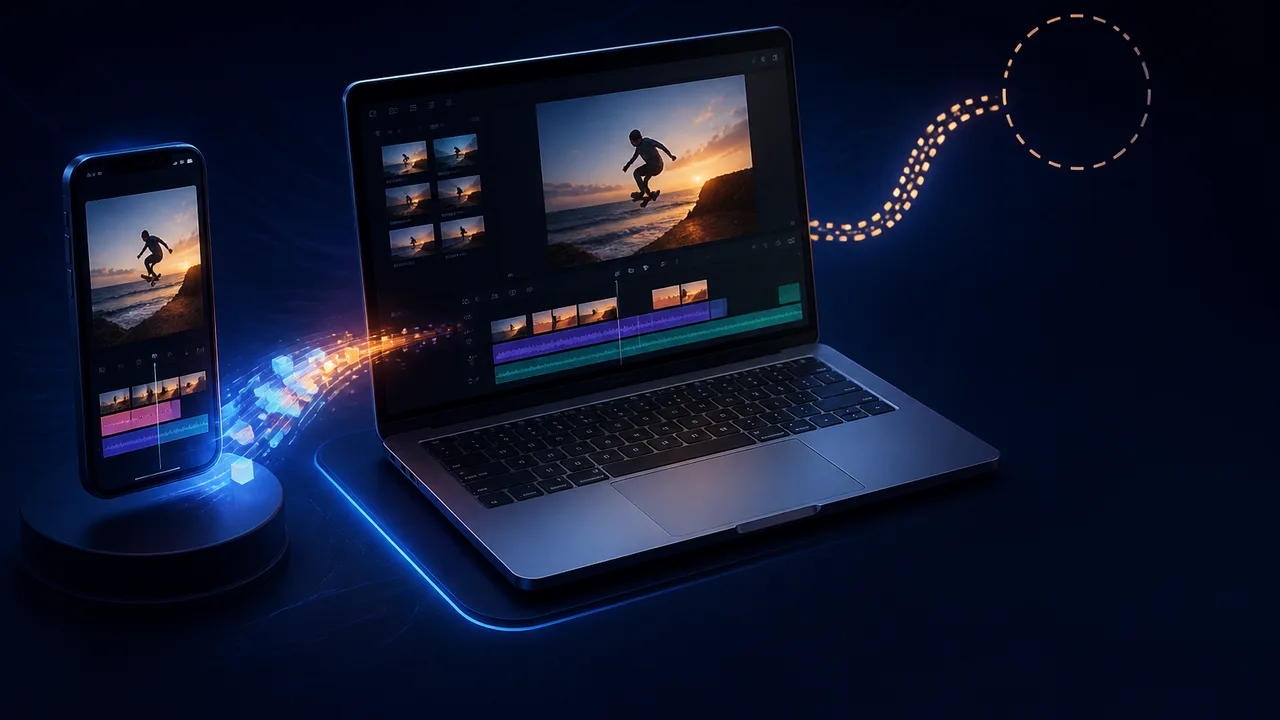
Instagram launched Edits for Mac on November 5, giving its video editor a multi-track timeline, finer controls and a direct route to publishing on Instagram. The desktop app is free, but it requires an Instagram account and an Apple Silicon Mac, starting with the M1. Intel Mac owners and Windows users will have to sit this one out.
The appeal is straightforward: a bigger screen gives editors room to arrange clips, audio and effects without conducting the entire operation through a phone display. The catch concerns what happens when someone uses both devices. Edits cannot yet open the same work-in-progress project on a phone and a Mac. Instagram has expanded where a creator can edit, but a project does not follow them between those places.
From Phone Editor to Desktop Workspace
Edits began on phones in April 2025 as Instagram's answer to CapCut, the video editor owned by TikTok parent ByteDance. Instagram kept adding to that mobile app. In December 2025 it introduced templates, more text customization, storyboards and the ability to bring public Reels into Edits for remixing. It later added an AI assistant that uses a creator's Reels analytics to suggest what to post next. The Mac launch extends a service Instagram has been building for more than a year; it is not a new editor arriving fully formed.
That sequence helps explain the desktop version. Storyboards and templates address planning and assembly on the phone. The Mac app puts a more elaborate set of controls around the actual edit. Its timeline supports multiple tracks, while keyframes control changes over time and audio waveforms help position cuts against sound. Color wheels and curves offer finer adjustments to a clip's appearance. Editors can also bring in custom fonts and color presets known as LUTs, and use keyboard shortcuts. Those are concrete additions for anyone who finds precise adjustments awkward on a touchscreen, though a feature list cannot tell you how the app performs on a demanding project.
Meta describes the desktop tools as a way to handle more ambitious projects. That is plausible from the controls it has announced: arranging several visual and audio elements benefits from visible tracks and a larger working area. It does not follow that every Instagram video needs this setup. If a creator can cut a Reel on a phone and publish it there, opening a laptop adds a step. The Mac app makes its strongest case when the edit itself calls for the extra room and controls.
There are useful conveniences beyond the timeline. Edits can publish directly to Instagram from the Mac, including tags and a location, so finishing an edit does not require moving the finished video to a phone first. It can also export vertical or horizontal video at up to 4K without a watermark. Those are different exits from the same workspace. Someone making an Instagram post can use the direct route; someone who needs a video file can export one.
The watermark-free export also sets a limit on how tightly the app holds the finished video. You can take that file elsewhere. The Instagram account requirement, however, means access to the editor still runs through Instagram. For a creator already publishing there, that may be a small ask in exchange for a free Mac editor and a shorter publishing path. For someone editing primarily for other destinations, it is an additional condition to consider. Neither conclusion requires pretending every creator has the same destination in mind.
The Phone-to-Mac Gap
The clearest comparison is with Edits on the phone, rather than with a rival's feature checklist. Both versions let users edit and publish to Instagram without a watermark on exports. The Mac version supplies a larger multi-track workspace and finer controls. Yet someone who starts an Edits project on a phone cannot currently continue editing that same project on the Mac. Saved audio and text styles carry over, which is helpful for keeping a familiar look, but those reusable choices are different from the editable project itself.
Consider two workflows. A creator who plans to do the whole edit at a desk can use the Mac controls and publish directly from there. A creator who begins cutting on the phone and expects to adjust the same timeline at the desk cannot make that handoff inside Edits today. The second person can still use either app for separate work; the missing capability is continuity on one project.
Meta says it is working on the ability to move between desktop and mobile while editing the same project. It has not put that capability in this release. Anyone choosing an editor around a phone-first, desktop-finish process should judge Edits by the workflow it supports now.
CapCut remains relevant as the product Edits was launched to challenge. That history explains why Instagram would build editing tools beyond its publishing app: it gives creators another place to assemble a video while keeping the path to Instagram short. The Mac release broadens that proposition from phone editing to desk editing. It does not, by itself, settle which editor has better tools, terms or cross-device handling. The useful comparison for this launch is narrower: Edits offers more places to start and finish an edit than it did in April 2025, while a single project still cannot travel between its phone and Mac apps.
Instagram has also announced AI-agent support for the Mac app through the Model Context Protocol. Matthew Simari, who leads Edits, gave an example in which Meta's Muse assistant makes a rough cut for a creator to finish by hand, The Next Web reported. It is an option for delegating part of an edit, not a reason to assume an agent will make good choices about pacing or color. For a creator deciding whether to download the app, the multi-track timeline and export options are easier to evaluate than a hypothetical AI-assisted rough cut.
Meta CEO Mark Zuckerberg said on a recent earnings call that Edits has more than 50 million active users. That company figure describes the broader app, not demand for the new Mac version. The desktop release has a practical test ahead of it: whether creators who want more control can finish their videos there, and whether Instagram eventually lets those who start on a phone bring the same edit along. For now, Edits has made it to the desk. The project has to pick a device.
More Like This

How Ethernet Actually Works, Explained From the Wire Up
Dave's Garage breaks down Ethernet from frame to physical signal — MAC addresses, ARP, TCP segmentation, and why Wireshark lies to you sometimes.

Kids' Smartwatches Have a Serious Security Problem
Security researchers tracked and eavesdropped on a journalist through a children's smartwatch. The flaws weren't sophisticated. The industry pattern is familiar.