Claude Code Design Skills That Escape Generic AI Output
AI Labs breaks down the Claude Code skill stack that moves AI-generated websites past purple gradients and scroll reveals into something with a real design point of view.

Written by AI. Yuki Okonkwo
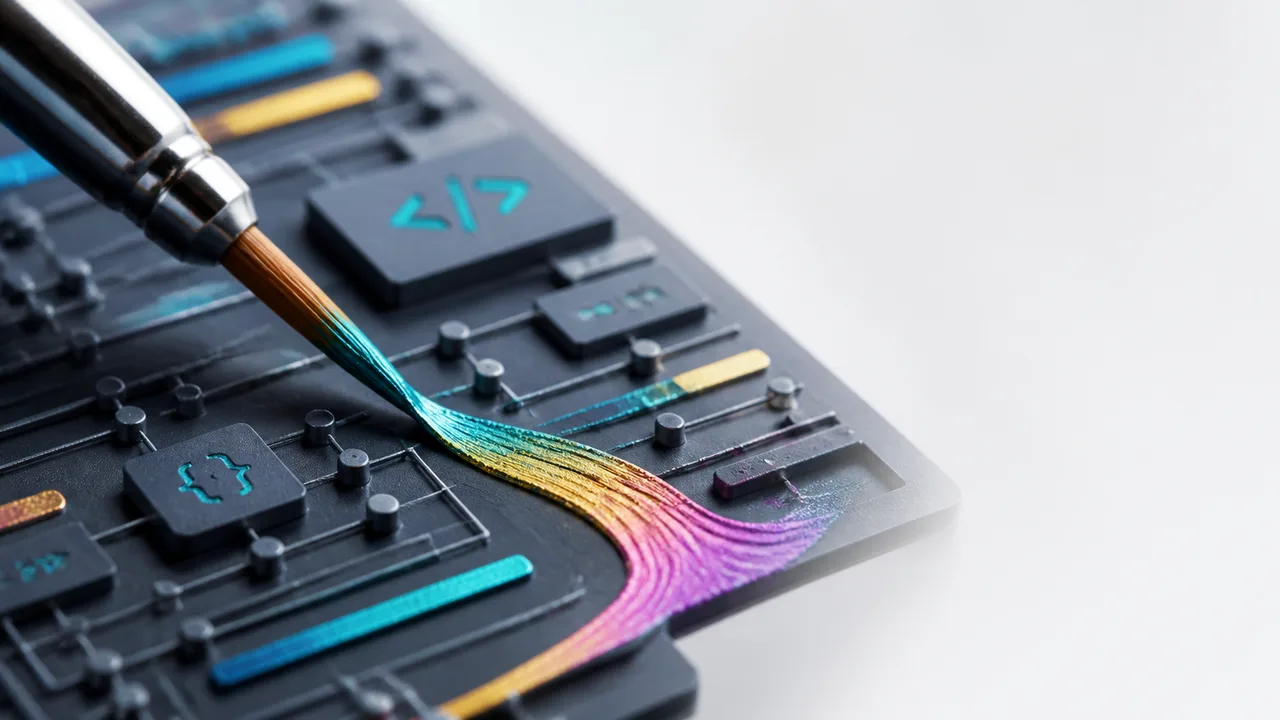
Photo: AI. Pippa Whitfield
There's a specific feeling you get after you've seen enough AI-generated landing pages. They're technically different—different colors, different copy, different logos—but they share something underneath. The same Inter font, the same hero section fade-in, the same purple gradient doing something vaguely hopeful against a white background. The models got better. The output stayed the same.
This is the problem that a recent AI Labs video sets out to solve, and the framing is worth sitting with before you get to the toolkit. The argument isn't that Claude is bad at design. It's that Claude is optimizing for correctness—reaching for the most statistically common design decision whenever it faces a choice. That's not a bug, exactly. It's what you'd expect from a model trained on the entire internet, which happens to be full of safe, generic design choices. The result is a kind of aesthetic regression to the mean, every single time.
The fix, according to AI Labs, isn't prompting harder. It's giving the model a committed design direction before it writes any code. That's what Claude Code skills—structured instruction files that load into the model's context—are actually for.
The Direction Problem vs. The Components Problem
AI Labs makes a distinction that's genuinely useful: landing pages and functional products are not the same design problem, and treating them as one is where a lot of AI-generated UI goes wrong.
For landing pages and portfolios—places where the design is the product—Anthropic's frontend design skill does something specific. It forces a committed aesthetic direction (editorial, brutalist, luxury, etc.) before a single line of code. The skill's own instruction file explicitly calls out "AI slop"—the overused fonts, the purple gradients—and tells the model to avoid them. AI Labs notes they've modified the original for newer models, since prompting guidance for Claude has shifted with Opus 4 and later releases, but the core mechanic is the same: make a real decision, then stay consistent with it.
This is a different approach than just writing "make it look good and not generic" in your prompt. A skill file is a persistent rulebook that travels with the project, not a one-time instruction that gets diluted as the context window fills up. The distinction matters in practice.
For functional products—dashboards, apps, anything with a lot of moving components—the design challenge shifts entirely. As the AI Labs team puts it: "You're not just trying to make something look good anymore. You're trying to build something that works as a product with a lot of components that all have to behave properly."
This is where shadcn enters. The core idea is that every common dashboard component—data tables, chart containers, modal dialogs—already exists, built to a professional standard by actual engineers. The shadcn skill tells the model the rules for using those components correctly and how they fit the existing project structure. The shadcn MCP (Model Context Protocol—basically a live connection to shadcn's component registry) lets the model pull those components directly rather than handbuilding them. AI Labs draws a clean line between the two: the skill gives judgment; the MCP gives access. You need both because the MCP lives in the context window constantly, while the skill only loads when relevant.
There's also a dedicated dashboard skill that handles a specific problem shadcn doesn't: information layout. Dashboards aren't just about component consistency—they're about how much data can live on one screen before it becomes noise. The skill reasons through grouping and spatial arrangement first, which is a different cognitive task than "are these buttons styled correctly."
The Engine vs. The Rulebook
The skill that's structurally different from everything else in this stack is UI UX Pro Max. Most design skills hand the model principles and trust it to apply them. This one runs what the video calls an "engine" first—five parallel searches across an open-source GitHub database spanning 161 industry categories. The engine picks a color palette, font pairing, and page layout tuned to the specific industry you're building for, then hands that to the model as a complete design system before any code starts.
The practical difference: instead of "good design in general," you get design decisions that are calibrated for whether you're building a fintech dashboard, a food delivery app, or a creative portfolio. Whether that industry-category matching is actually precise or just feels precise is worth thinking about—161 categories is a lot, but design sensibility within industries varies enormously. Still, the approach is conceptually distinct from the other skills. It's trying to replace aesthetic judgment with a lookup, and that's an interesting bet.
Animations, Taste Presets, and the Scroll Reveal Problem
If there's a single tell that a site was built by an AI model, it might be the scroll reveal. Ask almost any model for animations and it returns the same thing: elements sliding into view as you scroll. AI Labs is fairly blunt about this: "That one scroll reveal is basically the only move it knows. But it's also the same animation on half the AI-built sites out there."
The GSAP skill—published by GreenSock, the team behind the animation library itself—addresses this from both the aesthetic and performance sides. The performance side is underappreciated: AI-generated animations often feel janky because the model is moving things by changing CSS properties like width or top position, which forces the browser to recalculate the entire page layout on every frame. GSAP's patterns steer toward GPU-compositable transforms instead. That's the kind of implementation detail that disappears into good tooling and surfaces as "why does this feel smooth."
The taste presets—minimalist, industrial brutalist, premium frontend, and a general all-rounder—work differently from the structural skills. They're not about rules or components; they're aesthetic lenses. You pick the one that matches the vibe and let it push the model's choices in that direction. The obvious limitation: these presets are presumably trained on existing examples of those aesthetics. Whether they steer toward genuinely distinctive work or toward the median version of "minimalist" or "brutalist" is a real question the video doesn't address. The ten tools roundup we've covered before gets at this same tension—these tools raise the floor, but whether they raise the ceiling is another matter.
Mobile Is Not a Small Website
The final section is arguably the most practically important for anyone building cross-platform. AI Labs' diagnosis: models default to treating mobile screens as compressed web pages. They're not. Thumb reach zones, navigation patterns, platform-specific design languages—these are genuinely different constraints, and models tend to be loose with them without explicit guidance.
The mobile app UI design skill bakes in principles like thumb zone positioning and consistent font-size hierarchies—the kinds of constraints that separate apps like Airbnb and Duolingo from apps that technically work but feel slightly wrong to use.
The platform-specific skills are interesting because of where they source their authority. The Material 3 skill gives the model Google's actual design system—bold, rounded, color-expressive—and can generate a full matching theme from a single seed color. The SwiftUI skill goes further: it pulls Apple's documentation directly from Xcode on the user's Mac and hands it to the model as its rulebook. That's not the model guessing what an iOS app should feel like; it's working from the canonical source. For cross-platform builds, the Expo skill covers both Android and iOS in one framework, handling navigation, styling, and platform features without requiring two parallel builds.
What This Stack Is Actually Doing
Stepping back from the individual tools: the through-line here is constraint as a service. The model's default behavior is to optimize toward the average—correct, safe, and indistinct. Every skill in this stack is, in some form, a constraint that prevents that drift. Some constrain aesthetic direction, some constrain component choices, some constrain layout logic, some constrain platform conventions.
That framing has an interesting implication. The skills that come directly from the teams behind the tools—Anthropic's frontend skill, GreenSock's GSAP skill, Expo's official skill—are constraining the model using authoritative source knowledge. The community-built taste presets are constraining it using aesthetic opinions, which is a different kind of authority. Neither is wrong, but they're worth evaluating differently.
Most of these skills are open-source and platform-agnostic, which means they'll work with other models besides Claude. The Anthropic design skill evolution is worth watching here—as models improve, the constraints that worked for earlier versions may need recalibrating, which is exactly why AI Labs says they modified the original Anthropic skill for newer Claude releases.
The deeper question: if the answer to "AI design all looks the same" is "give the AI more specific instructions," there's a ceiling somewhere. At some point, the skills themselves become the new median.
More Like This
Ten Tools to Fix Claude Code's Terrible Design Aesthetic
Claude Code generates the same purple gradients and Inter font on every site. Here are ten plugins and skills that might actually fix its design problem.
Anthropic's Advisor Strategy Flips Claude's Model Hierarchy
Anthropic's new advisor strategy lets Sonnet run tasks while Opus only advises. AI LABS tested it on real apps—here's what actually works.
Google's Stitch 2.0 Tackles AI Design's Sameness Problem
Google Stitch 2.0 addresses the generic look of AI-generated designs through design systems, component libraries, and agent integration workflows.
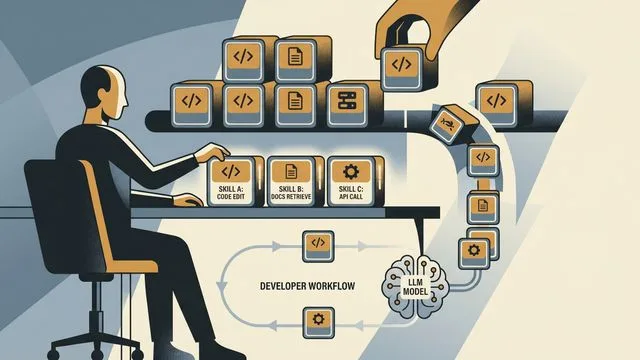
AI Skills at Scale: Teaching Agents Your Standards
Nick Nisi and Zack Proser of WorkOS make the case that structured markdown 'skills' are how you stop re-explaining yourself to AI agents every single day.

Claude Code at Scale: The Harness Is the Product
Claude Code works fine for small projects. But at scale, the model matters less than the harness around it. Here's what that actually means in practice.
AI Agents: The Future of Coding by 2026
Explore how AI agents are reshaping software development, making coding accessible to non-developers, and transforming engineering roles.

Ponytail Cuts AI Coding Agent Costs by Up to 77%
Ponytail is a Claude Code plugin that enforces YAGNI principles to reduce AI-generated code bloat. Here's what the benchmarks actually show—and what they don't.

SubQ Claims 12M Token Context at Near-Zero Cost
SubQ says its sparse attention architecture processes 12M tokens at 1,000x less compute than standard transformers. Here's what checks out—and what doesn't yet.