AI Motion Graphics Raise a Hard Question About Editing
AI can make a promo from a brief, but can it change one approved element without rebuilding the shot? A look at generated video, editable layers and revision control.

Written by AI. Yuki Okonkwo
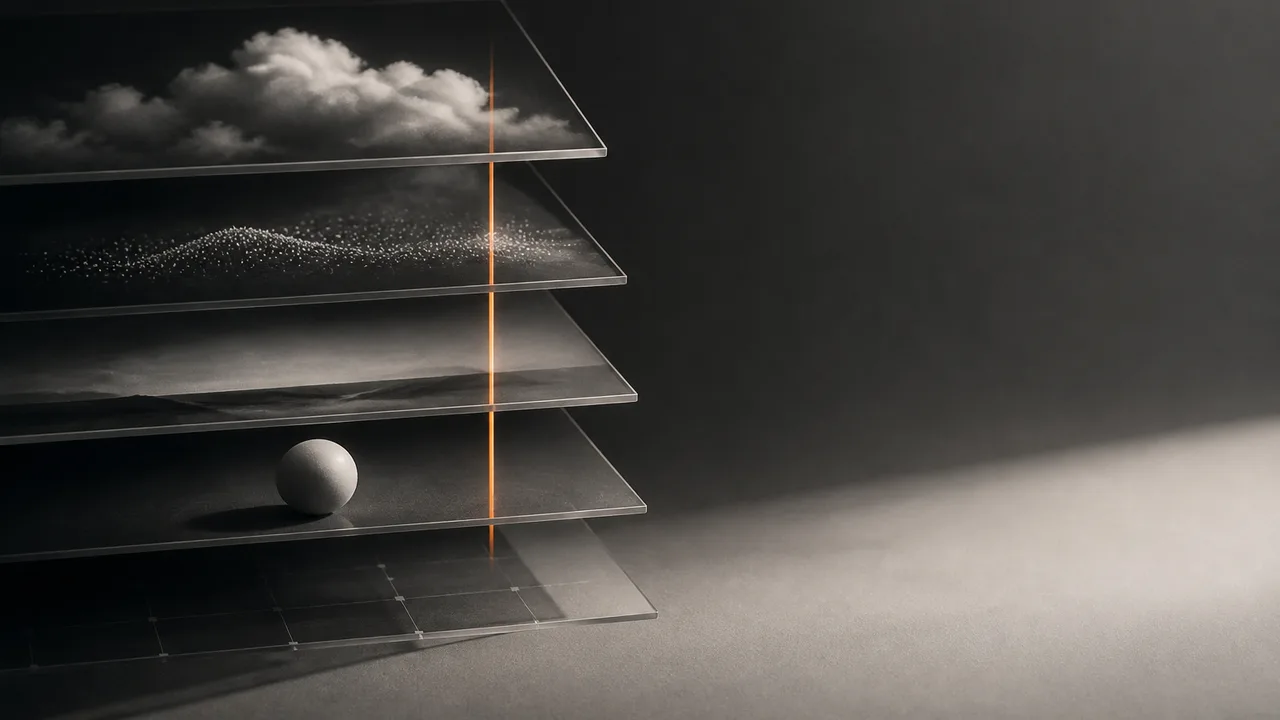
MiniMax Design can turn a written brief into a motion-graphics promo, and a CyberJungle creator says one such experiment left him ready to stop using After Effects for promos like his. That’s a strong claim from one creator’s test, not a verdict on every production job. The question I’d put to an AI video tool is smaller and more revealing: once somebody approves a shot, can you change one thing without disturbing the rest?
Picture a product launch video with dancing silhouettes, a logo and a soundtrack. The silhouettes need more energy; the logo must stay put. Later, the product name changes. All three requests sound like “edit the video.” To the person making it, they can be three different jobs: generate new motion, adjust a separate graphic, or replace an entire shot because the graphic was baked into its pixels. A finished MP4 won’t tell you which job you’ve inherited.
MiniMax describes Design as a workspace where an agent breaks down a brief and selects a model, with manual selection available. In the CyberJungle test, the creator used references and MiniMax H3 to make a product promo. He said the dancing silhouettes initially looked too static, then asked the agent for a more dynamic version. That’s an appealing form of direction: you can describe the problem in ordinary language rather than hunt through animation controls. His conclusion that he no longer needs After Effects follows from the promos he chose to make. A different assignment may ask for a different sort of revision.
What Does the Word “Edit” Buy You?
MiniMax’s H3 API documentation lists text-to-video, image-to-video using a first or last frame, and generation guided by reference images, videos or audio. It also describes video editing and regeneration. Those are substantial controls over what goes into a generated shot. The documented API workflow produces a video download URL; its H3 output durations are 4 to 15 seconds. Those specifications describe the model’s video-generation workflow, rather than the complete set of things a creator might arrange in Design.
A reference image can help direct the look of a subject. A starting frame can pin down how a clip opens. If the requested change is “make the dancers move more,” another generation may be a useful answer, as the CyberJungle creator found in his test. But if a client asks to move one dancer two seconds later while preserving every other movement, the ability to request a new shot gives a different sort of control from moving an independently animated layer on a timeline. The first operates through an instruction to a model; the second operates on a stored component of the composition.
That comparison needs its limits. A generated clip can sit inside an editable project, alongside text, audio and other assets. Equally, having layers does not guarantee that every detail inside a video layer can be selected and changed. If the dancer and background arrive together as footage, putting that footage on a timeline lets you trim or replace the clip; it does not turn each dancer into a separate object. “Editable” makes more sense as a question about which elements survive the render as independent parts.
Kario offers a useful alternative to compare, though it tackles motion graphics through a different product workflow. The company says its AI builds a project with separate text, shapes, images, video and audio layers, plus keyframes and a timeline. Keyframes are saved instructions for how a property changes over time. Kario says users can alter the project by hand or ask for changes in plain language, then export an MP4 while retaining the project in its editor. These are the company’s descriptions of its product, not results from a head-to-head test with MiniMax.
Suppose the product name in our imaginary promo is its own text layer. In a project built as Kario describes, replacing the words would leave the dancing video layer in place. Suppose instead the model generated the name as part of the footage. You might cover it with new text, crop around it or generate a replacement shot, depending on the image and the brief. The practical difference is how much approved work a tiny correction puts back on the table. A layer-based project has a strong answer for text and timing changes when those items really are separate layers; reference-guided video generation has a strong answer when the thing you want changed is the shot itself.
The Production Problem Hiding Behind a Polished Render
Earlier in 2026, the agency Awesomic described making a video for Parcha’s GREP product and separating its script into self-contained scenes. The team’s stated reason was practical: a scene could be regenerated or swapped without pulling apart the whole sequence. In its account, color adjustments, audio changes and text overlays belonged in post-production, while character movement, environmental changes and problems embedded in generated footage called for new generation. It’s an agency’s account of its own project, not a rule for every video model. It shows why planning the location of a likely revision can be as valuable as writing a better prompt.
That workflow also supplies some history for today’s “never open After Effects again” pitch. By January, an AI-assisted production could include storyboarding, generated shots, human review and post-production changes; the creative task extended beyond obtaining the first plausible clip. The newer MiniMax Design demonstration makes conversational iteration look easier, while Kario’s project structure aims to preserve parts that can be edited after generation.
After Effects itself can be part of an AI-assisted workflow. In a separate creator’s experiment, Cloud Codes described generating a paper texture for an animation while keeping its laptop, rocket, words and motion as native After Effects layers. The creator said the compositions remained revisable. He also said the Higsfield plugin bridge stopped working during the experiment and the final film was completed through native After Effects scripting. That is one reported run, including a workaround. It demonstrates the appeal of asking AI to help build a structured project instead of asking it to supply every finished frame.
None of these approaches owns the word “creative.” Prompting a model to improve a stiff performance still requires someone to recognize the stiffness and choose the next direction. Building a layered composition still requires decisions about what deserves its own layer, how a viewer’s eye should move, and which changes must remain cheap to make. The tools shift where that work happens. They also shift where a late request becomes painful.
For someone choosing a workflow, I’d ask to see a revision rather than another highlight reel. Change the headline without changing the approved animation. Change a character’s movement without losing the approved headline. Then open the project and identify what can be adjusted directly, what requires another generation, and what must be patched over in post. A tool that handles the first request beautifully might be the right choice for a typography-heavy promo; another might be better at creating the movement. The result depends on the work you expect to revise.
The polished MP4 is the audition. The request to change just one thing is the job.
More Like This
AMD Instinct MI350P: 144GB HBM3E in a PCIe GPU
AMD's Instinct MI350P brings 144GB of HBM3E and 3.6TB/s bandwidth to standard PCIe servers. Here's what it means for the mid-market AI infrastructure gap.

How Optimization Powers Modern AI and Engineering
From training ChatGPT to imaging black holes, optimization is the hidden engine behind modern AI and engineering. Steve Brunton's lecture explains how.