8 Free Productivity Tools You've Probably Never Heard Of
From smarter bookmarking to AI-powered design tools, here are eight free productivity apps that tech YouTuber Aurelius Tjin found actually useful.

Written by AI. Marcus Chen-Ramirez
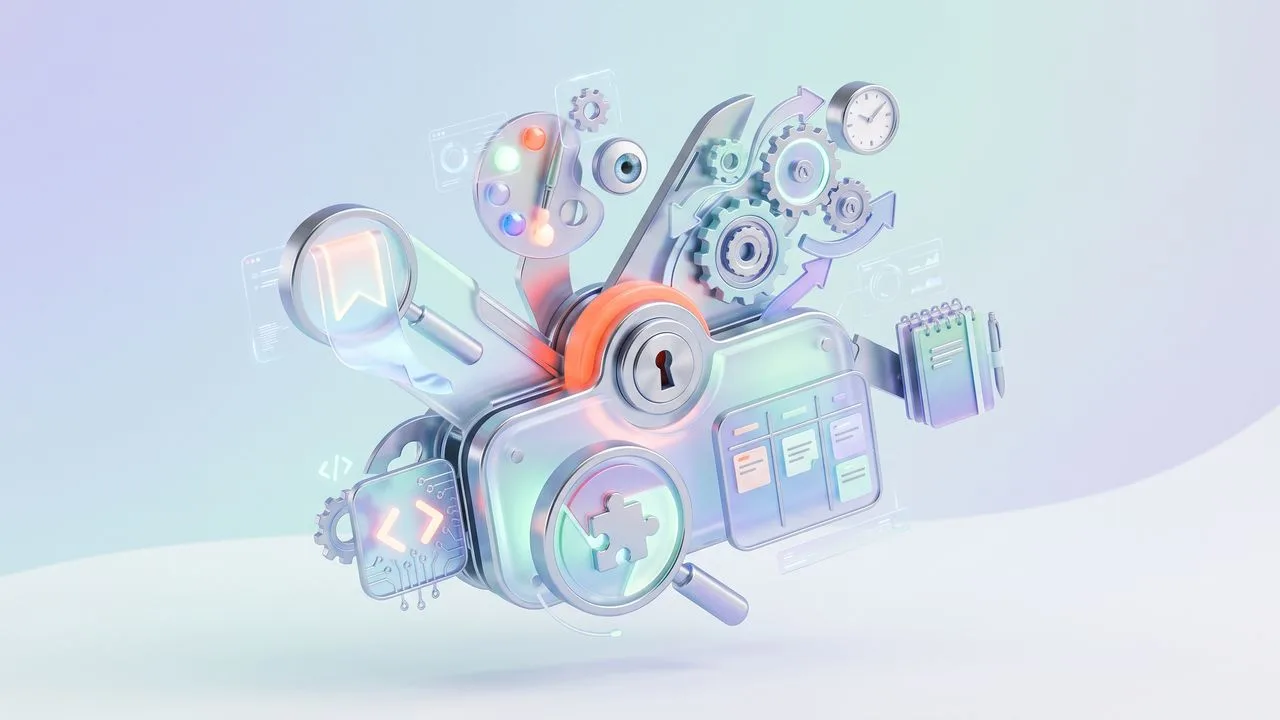
Photo: AI. Ren Takahashi
The productivity tool ecosystem has a problem: most "discoveries" are either expensive, redundant, or solving problems nobody actually has. So when productivity YouTuber Aurelius Tjin released a roundup of eight free tools he'd genuinely found useful, I was curious to see if any would survive contact with reality.
The test isn't whether a tool is clever—most are. It's whether it solves a problem you didn't know you could solve, or solves a familiar problem in a way that's actually less friction than what you're already doing.
The Bookmark Problem Nobody Solved
Tjin starts with SendLinks, a Chrome extension that promises to make bookmarks useful again. The diagnosis is accurate: "Once you bookmark something, you no longer refer back to it. And usually it just stays in the history there."
SendLinks tries to fix this with visual previews, tag-based filtering, and search functionality. Hit Option+L (or Alt+L on Windows) and your bookmark appears in an interface that looks less like a forgotten list and more like a curated collection. You can filter by date, organize by folders and tags, or just search.
It's not revolutionary—several tools attempt similar solutions. But it's free, and that matters when the problem is low-grade enough that you won't pay to solve it. The real question is whether the friction of adopting a new bookmark system is worth escaping the friction of your current one. That calculation varies by person.
Google Quietly Enters the No-Code Design Space
More interesting is Google Stitch, a beta product that converts text prompts into UI designs. Tjin demonstrated it by asking for a dental clinic website in Seattle. Stitch generated a functional-looking booking system, complete with color schemes and a contact page.
What separates this from the dozens of other AI design tools is the prototype feature. "You can create a prototype," Tjin explains. "So, meaning that it'll function like a real app or website, but just in kind of like a playground mode." The interface is clickable, navigable—enough to test whether an idea actually works before you hire someone to build it for real.
Once you're satisfied, you can export to Figma or several other formats. It's clearly aimed at the ideation phase, not production. But that's smart positioning—most AI design tools oversell their capabilities. Stitch seems to know what it is: a way to make your napkin sketch clickable.
The question is whether this helps non-designers or just gives designers a faster first draft. The answer probably depends on how clearly you can articulate what you want in a text prompt, which is a skill that's harder than it looks.
When AI Meets the Local Business Problem
Brila tackles a specific, almost quaint problem: small businesses that have Google reviews but no website. You paste a Google Maps link, wait less than five minutes, and get a complete website pulled from the business's Google Maps data—reviews, photos, hours, popular items.
Tjin demonstrated this with Alchemy Specialty Coffee in Sydney: "Paste in the link, generate the website, and it is pretty much done."
It's a clever arbitrage of existing data, though it raises questions about quality control and customization. The demo sites looked presentable but generic—which might be exactly what a coffee shop needs if the alternative is no web presence at all. For businesses that have been meaning to build a website for three years, this might be good enough.
Still, I'm curious about the economics. If it's free, where's the business model? Upsells to premium features? Data collection? The tool works, but understanding the incentive structure helps you understand the product.
The Privacy-First Dictation Tool
Ghostpepper stands out for what it doesn't do: send your voice data anywhere. It's open-source, Mac-only (for now), and processes everything locally. Hit Command+Option and start talking. The software transcribes and automatically removes filler words—the "ums" and "ahs" that plague spoken text.
Tjin tested it deliberately: "I'm adding these filler words, and you'll see what will happen." The output was clean: "This is a test of this brand new app, and I'm adding these filler words, you'll see what will happen."
In an era where most transcription services require uploading audio to someone's cloud, a local-first tool is notable. It supports over 50 languages and requires no account registration. The tradeoff is that it's Mac-only and presumably less accurate than cloud-based models that train on billions of samples.
But for anyone who deals with sensitive information or just dislikes the privacy implications of dictation services, that tradeoff might be worth it.
The Migration Problem
The most interesting tool in the roundup isn't really a tool—it's a process. Anthropic has created a simple method for migrating your ChatGPT preferences to Claude without losing context.
The friction of switching AI assistants isn't technical—it's historical. You've trained ChatGPT on your preferences, your communication style, your recurring needs. Starting over with Claude means losing all that context.
Anthropic's solution is elegantly simple: ask ChatGPT to export everything it knows about you ("List every memory you have stored about me, as well as any context you've learned about me"), then paste that into Claude. Your new AI assistant now knows what your old one knew.
It's a smart competitive move disguised as a convenience feature. Anthropic is lowering the switching costs precisely when users are reconsidering their AI allegiances.
What Actually Matters Here
The through-line in Tjin's roundup isn't the tools themselves—it's the problems they address. Bookmarks that become searchable. Design ideas that become clickable. Meeting recordings that become social content. Voice dictation that doesn't leave your computer.
None of these are paradigm shifts. But that might be the point. The tools that actually improve your workflow rarely announce themselves with fanfare. They just quietly eliminate small frictions until you realize you can't remember how you worked before.
The real test comes in three months: which of these tools are you still using? Because "free" and "clever" aren't the same as "valuable." And the productivity tool graveyard is full of apps that solved problems elegantly but not urgently enough to matter.
More Like This
Four Shadcn Component Libraries You Haven't Seen Yet
From gooey animations to sound effects to sci-fi interfaces, these open-source React libraries built on Shadcn show where UI development is heading.
The AI Tool You Pick Doesn't Matter Anymore—Here's What Does
Every AI agent tool is converging on the same features. The real differentiator isn't the platform—it's the system you build underneath it.
Google's Auto Browse: AI Assistant or Automation Theater?
Google's new Auto Browse feature promises to automate shopping, scheduling, and paperwork. But does it deliver genuine innovation or repackaged assistance?
Laravel 12.50 Adds Type Safety and Clamp Helper
Laravel 12.50 introduces typed cache getters, a clamp() method for request data, and cleaner collection methods. What these changes reveal about PHP's evolution.
Astro Joins Cloudflare: A New Era for Open-Source Web Development
Astro joins Cloudflare, promising speedier sites and open-source integrity. But is there a catch?
Five Open Source Dev Tools That Shouldn't Be Free
From AI usage trackers to self-hosting platforms, these open source tools solve real developer problems—and they're completely free.

Hugging Face ML Intern Automates AI Development
Hugging Face's ml-intern is an open-source agent that automates the full ML research loop. Here's what it does, what it can't, and what it signals.

Small Language Models Are Reshaping Agentic AI
Small language models are outperforming larger rivals on key AI agent benchmarks. Here's what the efficiency shift means for how AI gets built and deployed.