Mastering ZFS Drive Layouts: What's Old is New
Explore ZFS drive layouts for optimal performance. Understand RAID Z types, VDEVs, and avoid costly mistakes.

Written by AI. Mike Sullivan
Remember when all you needed was a floppy disk and a dream? Fast forward a few decades, and here we are with ZFS, a file system that promises to make your data dance like it's 1999. In a recent video, Tom from Lawrence Systems dives into the nuances of ZFS drive layouts, emphasizing that the right setup is as crucial as picking between VHS and Betamax back in the day.
The ZFS Pool Party
ZFS isn't just a file system; it's more like the DJ at your data storage party. It directly controls drives, eliminating the need for a separate RAID controller. According to Tom, "ZFS controls the drives directly," which sounds like something out of a sci-fi flick. This autonomy is what makes ZFS both powerful and a tad intimidating.
The building blocks of a ZFS /article/inside-adam-zfs-storinator-upgrade pool are your data VDEVs and special VDEVs. It's like organizing your childhood toy bin—everything has its place, and chaos ensues if you mix them up.
RAID Z Types: Choose Your Fighter
RAID Z1, Z2, and Z3 are like the original Pokémon starters—each has its strengths, and picking the right one could mean the difference between victory and a trip to the local electronics store. RAID Z1 allows for one drive fault tolerance, Z2 ups it to two, and Z3 goes all-in with three. As Tom notes, "the trade-offs are, of course, storage efficiency."
Special Metadata VDEVs: Blast from the Past?
Ah, special metadata VDEVs—where nostalgia meets necessity. Think of them as the Cliff Notes for your data, storing metadata and small blocks for quicker access. But here's the kicker: they need to be faster than your main pool. It's like expecting your dial-up modem to stream Netflix; it just won't fly.
In the 90s, we had our fair share of tech solutions that promised more than they delivered (looking at you, CueCat). Special metadata VDEVs are a bit like that—useful, but only if your setup truly needs them. If you've got an all-flash pool, their utility is as limited as a Tamagotchi's battery life.
Tom mentions, "if you have a bunch of standard HDDs and some SSDs for metadata, that's good. Even better, NVMe for metadata." Basically, it’s about pairing the right components, much like matching your CD-ROM drive with the right game (Myst, anyone?).
Memory: The Unsung Hero
Memory is your best friend in the ZFS world. "Memory is your single best component to buy to get performance out of ZFS," says Tom. Why? Because when it comes to speed, RAM beats any other drive system hands down. Investing in memory is like stocking up on AA batteries for your Game Boy—it's essential.
The ARC and L2ARC
The Adaptive Replacement Cache (ARC) is ZFS’s secret weapon, keeping data ready for quick access. The L2ARC, a secondary read cache, steps in when repeated reads are in play. However, if your workload isn’t revisiting the same files, the L2ARC is as useful as a Y2K survival kit post-2000.
Deduplication: A Double-Edged Sword
Deduplication sounds great in theory—eliminate redundant data and save space. But, much like the dot-com bubble, it can be more trouble than it's worth if not handled properly. "There's a big performance cost that comes with it," warns Tom. It's a feature best reserved for environments where duplicate data is the norm, not the exception.
So, Where Does That Leave Us?
In the end, the right ZFS setup is about balance—between performance and storage efficiency, between current needs and future-proofing. It's about knowing when to embrace the new and when to stick with what works. As with any tech evolution, the trick is to learn from the past while keeping an eye on what's next. After all, you never know when the next Walkman moment will hit.
More Like This
Webmin: The Swiss Army Knife for Linux Admins
Explore Webmin, the versatile tool that's simplifying Linux server management for non-command line enthusiasts.
Microsoft's Encryption Key Dilemma: Security vs. Privacy
Explore Microsoft's encryption key policy, its implications for privacy, and how it compares to Apple's approach.
Urgent Patch Required for Critical n8n Vulnerabilities
Critical n8n vulnerabilities found. Urgent patch needed to protect against attacks. Follow best practices for security.
Why Your Proxmox Backup Strategy Is Probably Wrong
Most Proxmox setups give hypervisors full backup server access. That architectural mistake means a compromised system can delete your backups too.
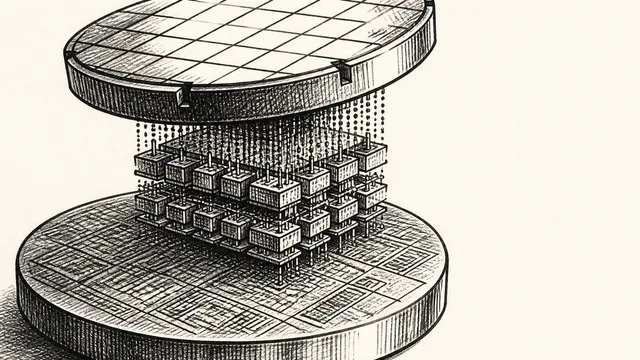
IBM NanoStack and the Future of Chip Architecture
IBM's NanoStack stacks transistors from separate wafers using atomic bonding. The physics works. The harder question is whether anyone can manufacture it at scale.
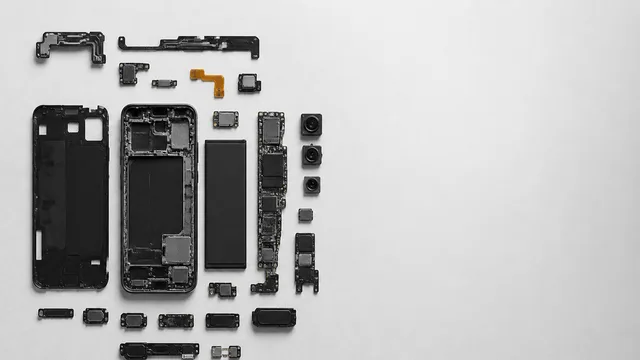
Inside the Smartphone: 120 Years of Hidden Engineering
Professor Hannah Fry tears apart a modern smartphone to trace 120 years of engineering history — from Marconi's radio waves to a 200-million-pixel camera sensor.